© 2011 Omnicell, Inc. 1-, 2-, 3-Cell Color Touch Installation and Service Guide/67-2014 Rev G
Switchpanels 4-9
Removal Procedure
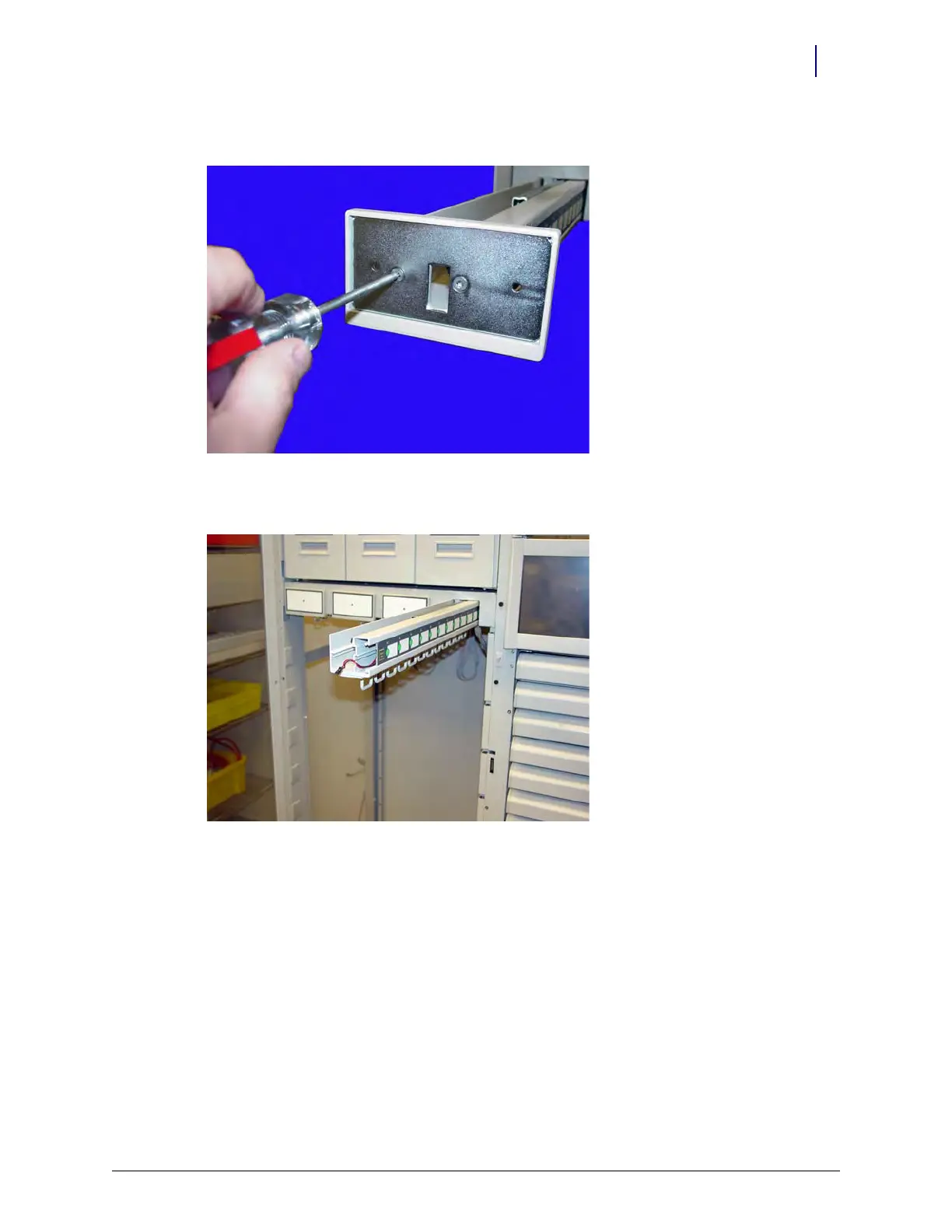
4. Remove the two screws on the front plate handle.
Figure 4-15. Remove the two screws on the front plate handle
5. Remove the front plate.
Figure 4-16. Remove the front plate



 To Next Page