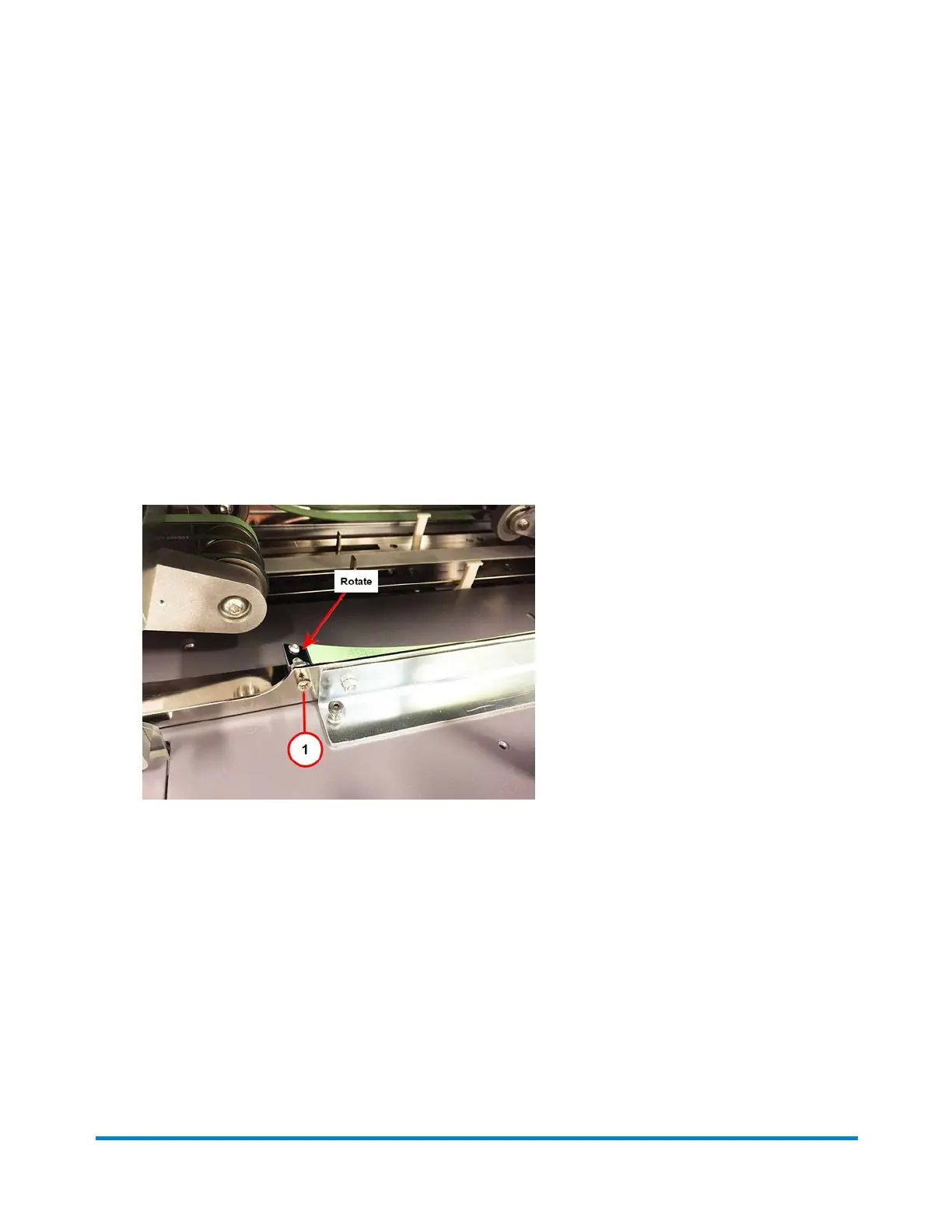
Adjusting Chassis Side Guide Control Straps
1. Open the appropriate covers.
2. Raise the appropriate feeders to gain access.
3. Use a 3/16” Allen to loosen the adjustment locking nut on the appropriate straps. Provide guideline
for default strap location (angle).
4. Rotate to adjust the strap as needed.
5. Use a 3/16” Allen to tighten the locking nut.
6. Lower the feeders.
7. Close all the covers.
Side Guide Strap -Loosen Locking Nut - Rotate Strap to Adjust
Operator Adjustments
Pitney Bowes Epic v3.1 (ZVE0) Operator Guide May, 2018 Page 104 of 328



 To Next Page