Document Information
Material details like width, length, and weight for the inserts in each specific feeder is generally saved in
the mode, but if you have to, you can enter the width of inserts for specific feeders.
Setting Document Width, Length, Weight (Friction, Rotary, Booklet
Feeders)
Width and length are mandatory fields and must be done for every feeder if it is not included in the mode.
1. Measure the width and length of the insert for each feeder.
2. Log in as Key Operator access level or higher.
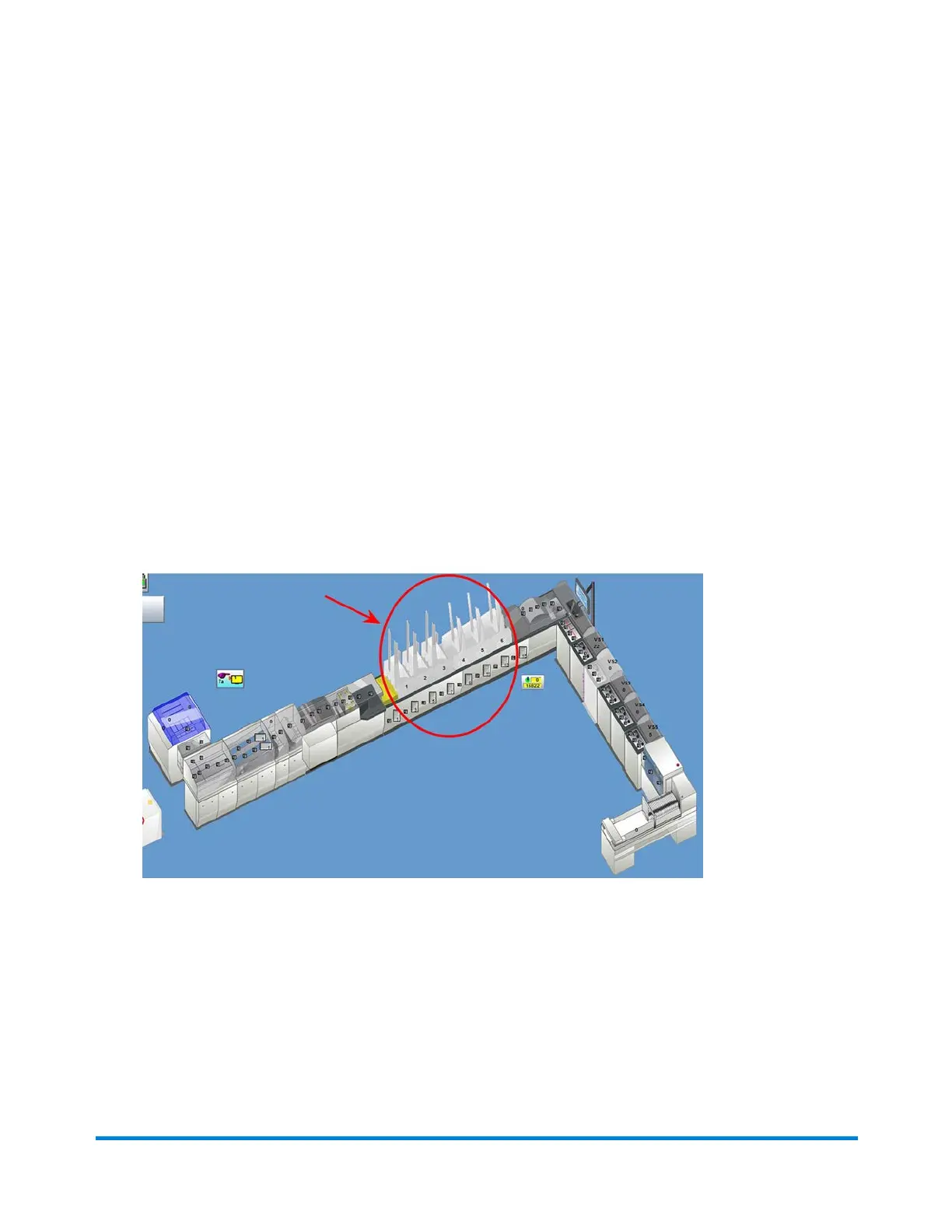
3. Click the desired Feeder object on the main DC screen and select Setup from the drop-down.
Feeder Objects
Operator Adjustments
Pitney Bowes Epic v3.1 (ZVE0) Operator Guide May, 2018 Page 165 of 328



 To Next Page