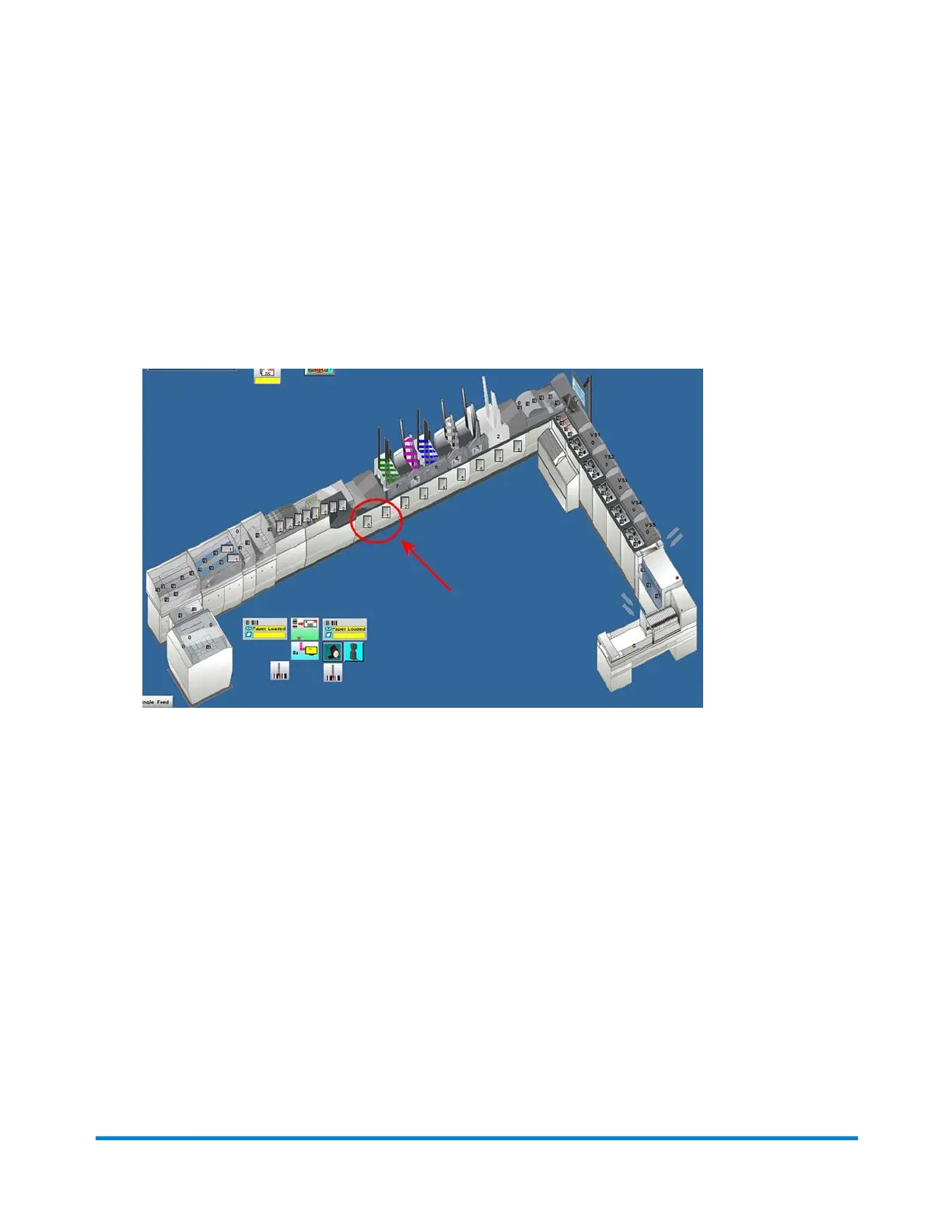
Setting the Chassis Collation Length
The chassis collation length is usually set in the mode and not required to be set manually.
1. Measure the length of the largest document to be run on the chassis. (This can be from the input or
an insert feeder.)
2. Click the Chassis object on the main DC screen and select Setup from the drop-down.
Chassis Object
Operator Adjustments
Pitney Bowes Epic v3.1 (ZVE0) Operator Guide May, 2018 Page 105 of 328



 To Next Page