Assigning an MRDF File (File Based Jobs)
If you are running a file based job, you need to assign an MRDF file to the job. The MRDF is a data file
that contains a set of information used for processing the mail (i.e. number of pages, number of
collations, etc.). If this is not a file based job, you can skip this step.
1. Click on the Menu button on the bottom of the main DC screen, near the Start bar.
2. Select Open File or Start Job from the drop-down menu.
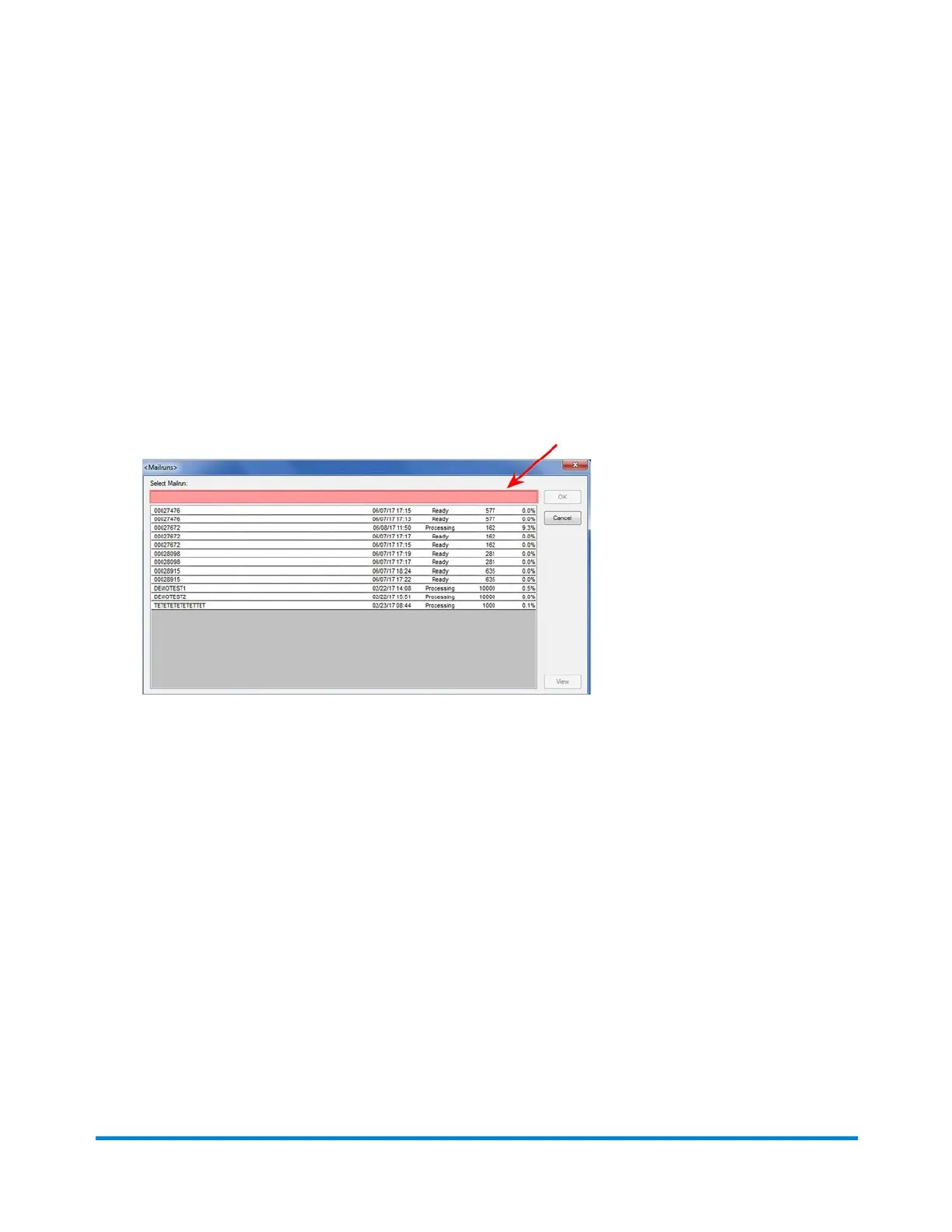
3. In the Select Mailrun field, type in the name of the MRDF file or scan it from the work order.
4. When the file name populates the field, click OK to open it.
Using Direct Connect
Pitney Bowes Epic v3.1 (ZVE0) Operator Guide May, 2018 Page 41 of 328



 To Next Page