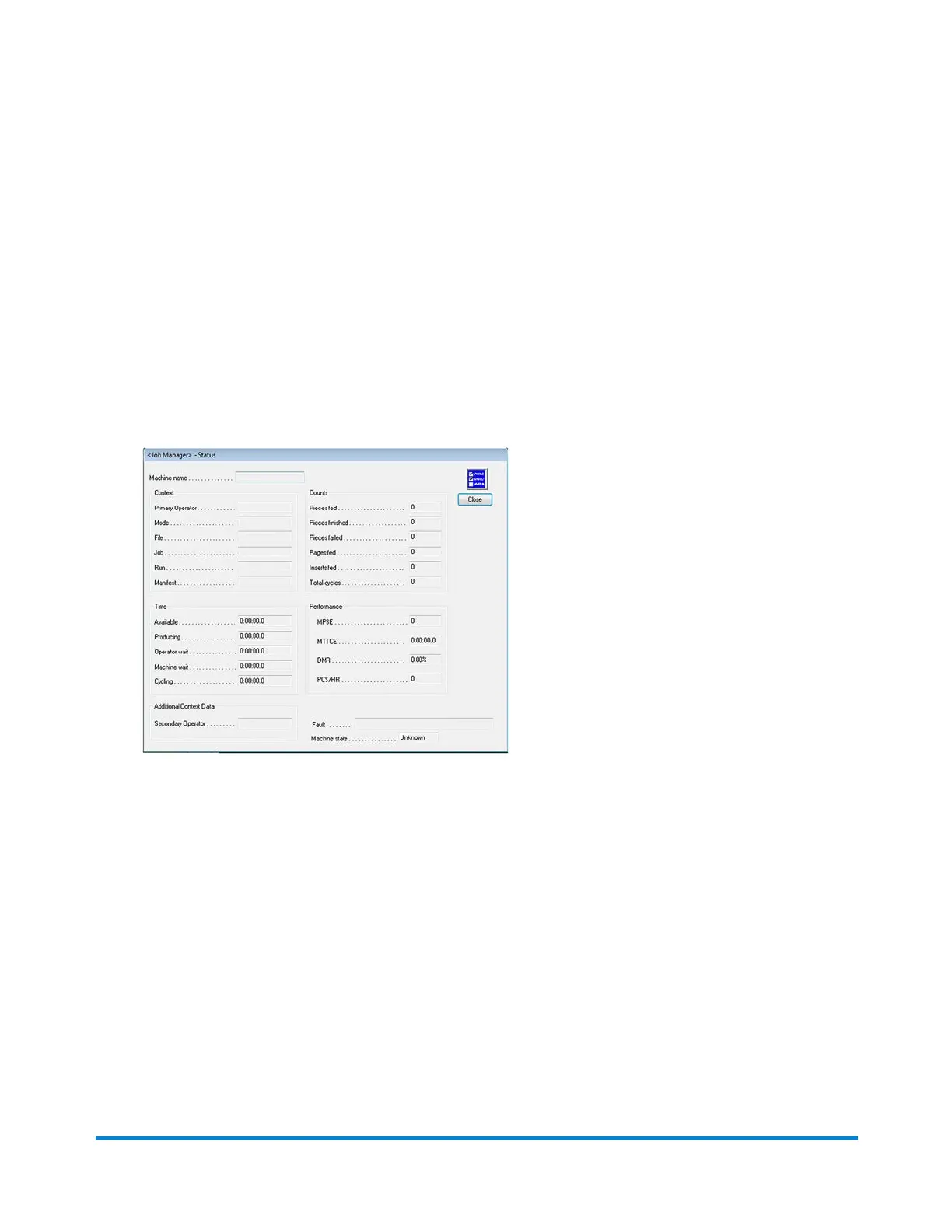
Checking Status with Job Manager
If you are logged in as an Operator, you can check job status information about the inserter you are
working on, the current job, the operator, etc.
1. Click the JobMgr button on the main DC screen.
2. Select Status from the drop-down menu.
A Job Manager Status dialog opens and displays information about the machine, the current job,
the operator, etc.
3. Click Close to exit.
Using Direct Connect
Pitney Bowes Epic v3.1 (ZVE0) Operator Guide May, 2018 Page 38 of 328



 To Next Page