Setting Separator Options for Friction Feeders
For different reasons, not all material will make it through the entire system properly (for example,
warped or bent paper). You can set specific options in the friction feeders to help run compromised
material. These settings help with known types of challenging material at the beginning of a job, or if you
see continued issue with feeding inserts during a job.
1. Visually inspect the insert material you are loading into the friction feeders. If you find twisted or
compromised material, you want to try a feeder setting to help feed the material
2. Log in as Key Operator access level or higher.
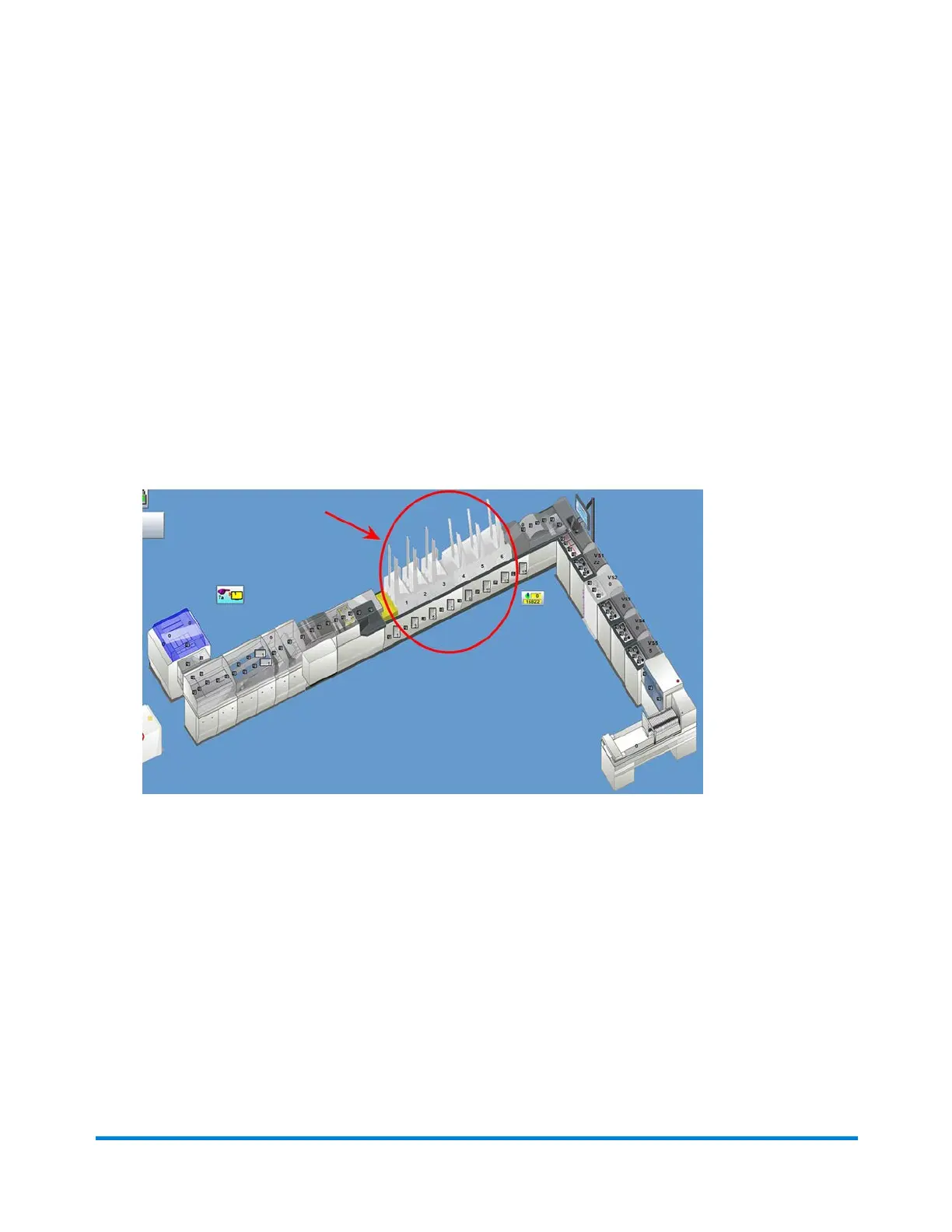
3. Click the desired Feeder object on the main DC screen and select Setup from the drop-down.
Feeder Objects
Operator Adjustments
Pitney Bowes Epic v3.1 (ZVE0) Operator Guide May, 2018 Page 175 of 328



 To Next Page