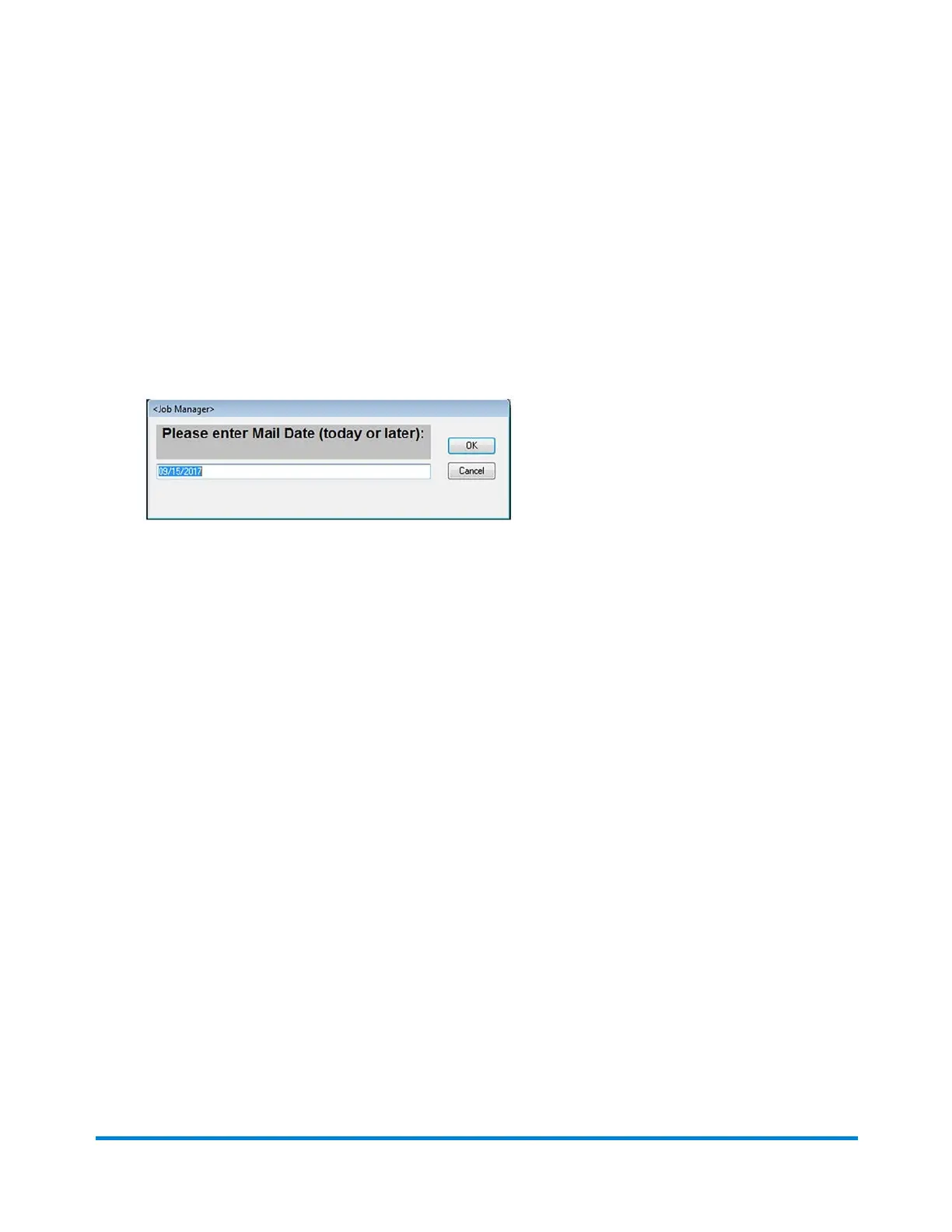
Setting the Mail Date
If you are logged in as an Operator, you can set the mail date for the job, before you run it.
1. Click the JobMgr button on the main DC screen.
2. Select Set Mail Date from the drop-down menu.
3. When the dialog opens, type in the mail date. (It must be today's date or a date in the future.)
4. Click OK.
Using Direct Connect
Pitney Bowes Epic v3.1 (ZVE0) Operator Guide May, 2018 Page 37 of 328



 To Next Page