Removing Material Jams in the Sealer or Vertical
Stacker #1
Note:
The monitor stand may need to be pivoted out of the way in order to open the sealer cover.
1. Pull up on the interlocked handles to lift the cover.
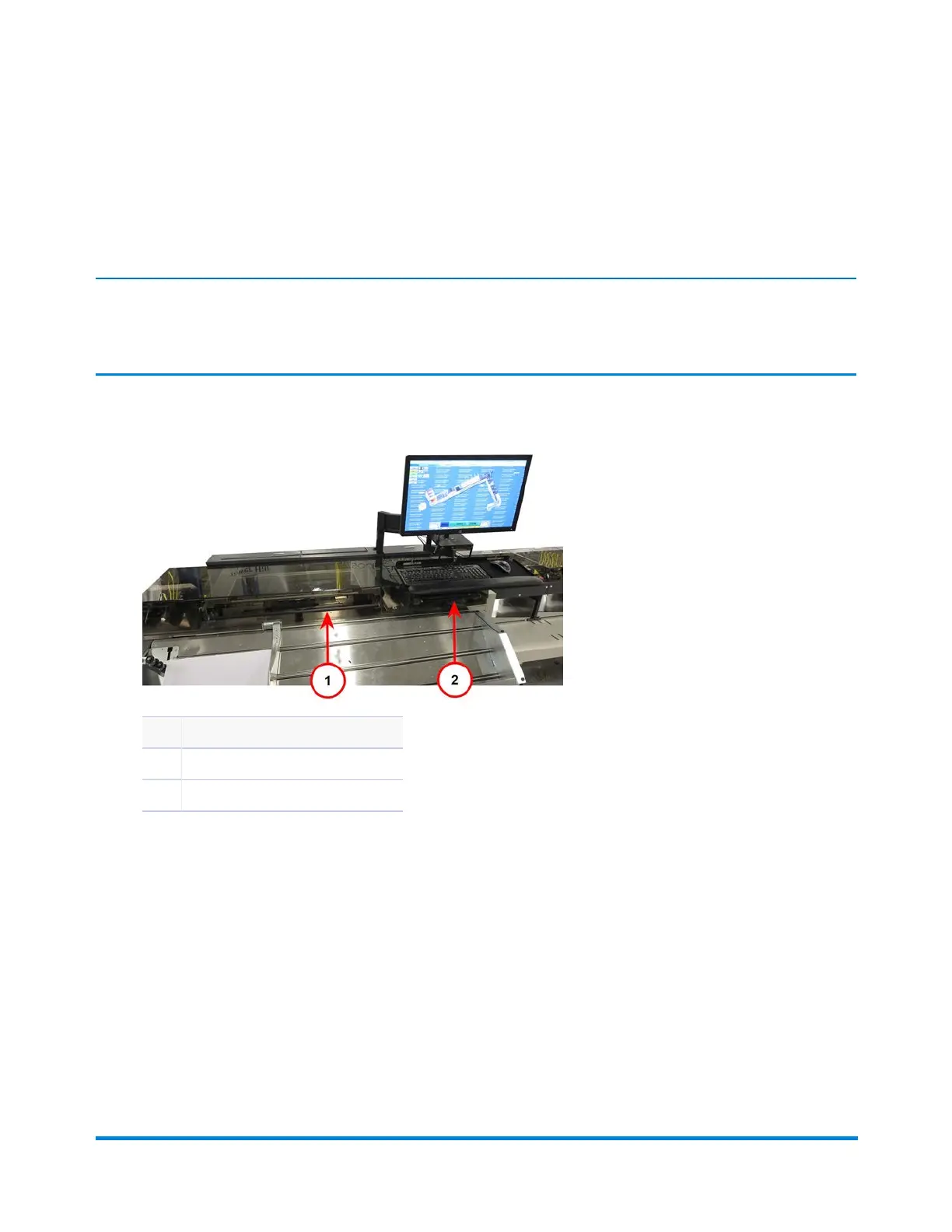
Item Description
1 Sealer Cover Handle
2 Vertical Stacker #1 Cover Handle
Cover Handles
2. Remove the jam.
3. Realign any straps or belts if needed.
4. Close the cover.
Error Recovery
Pitney Bowes Epic v3.1 (ZVE0) Operator Guide May, 2018 Page 240 of 328



 To Next Page