Starting and Stopping the Inserter Using DC
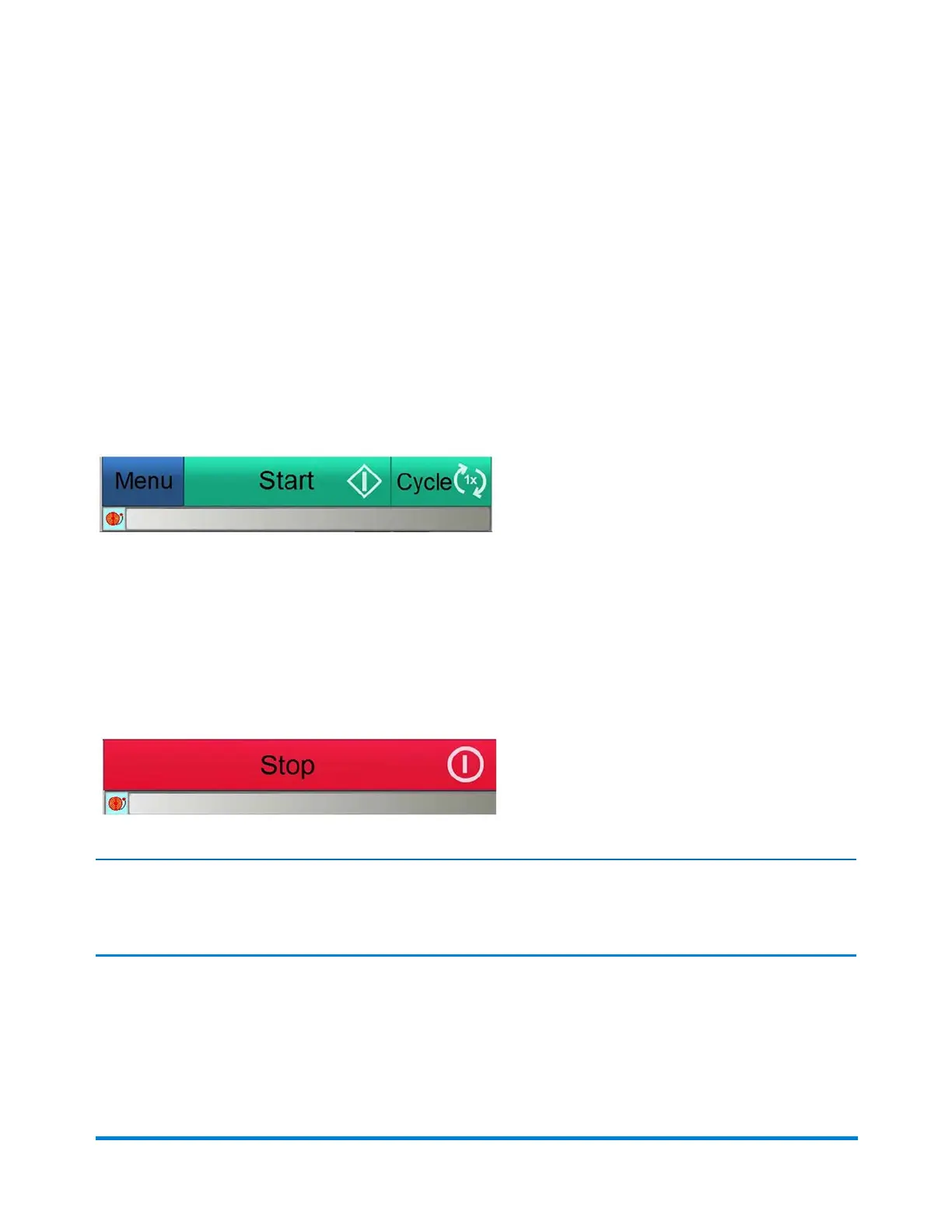
When you are logged in as an Operator, you can start and stop the inserter using the buttons in the Start
bar area on the bottom of the main DC screen.
Start Button
When you click the Start button, the inserter starts running and the Menu, Start, and Cycle buttons are
replaced by the Stop button.
Stop Button
When you click the Stop button, the system stops at a predetermined state, to ensure all the mailpieces
in process are controlled; this helps to avoid errors or jams. Also, when you click Stop, the Menu, Start,
and Cycle buttons display again.
Note:
You can also start or stop the inserter using the remote control.
Using Direct Connect
Pitney Bowes Epic v3.1 (ZVE0) Operator Guide May, 2018 Page 40 of 328



 To Next Page