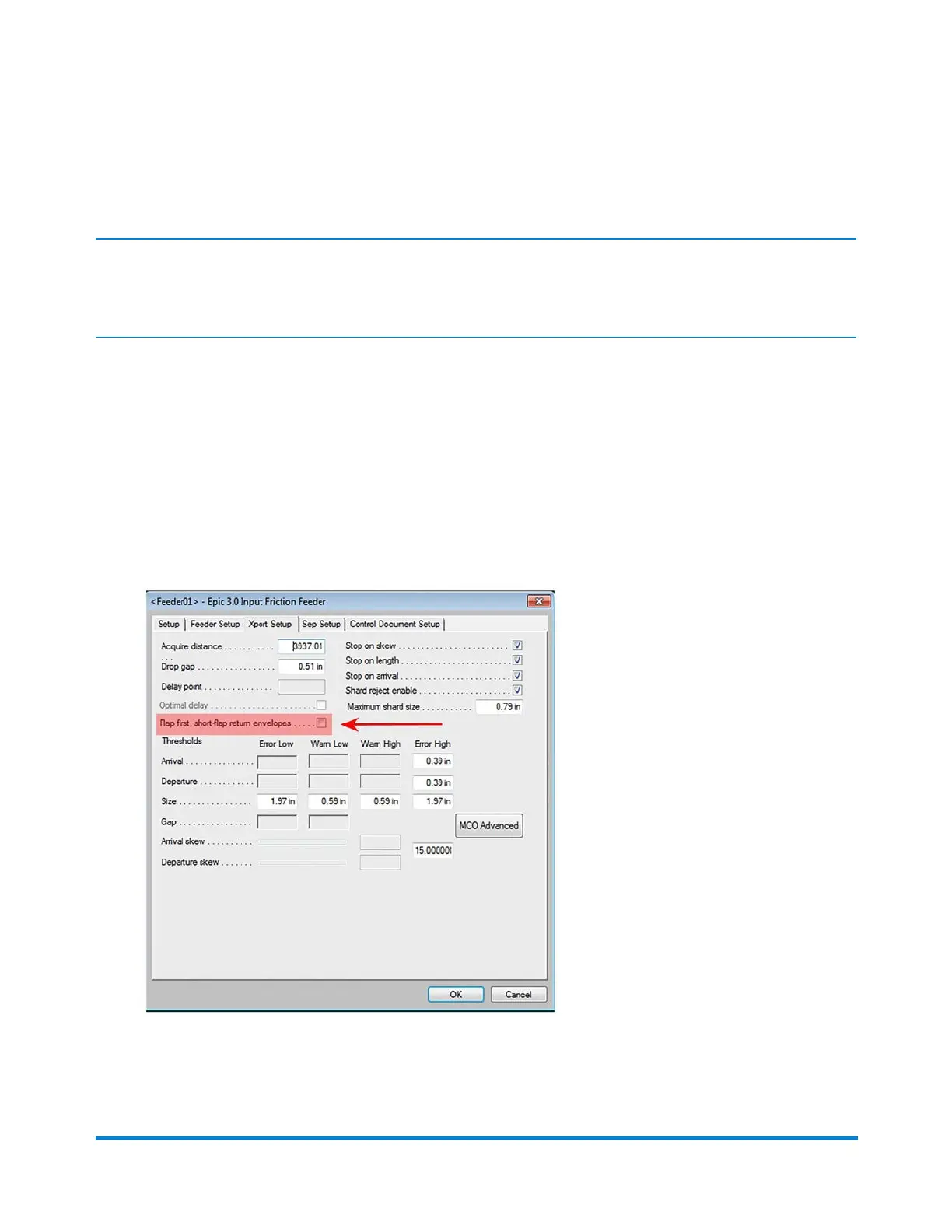
Transport Envelope Setup (Xport Setup)
Note:
This setup is used only when the envelope flap measure 3/4-inch (19 mm) or less.
When the friction feeder is armed (material is ready to feed) the envelope is not driven out far enough. It
prevents the pushers from hitting or opening the envelope flap.
To adjust the transport envelope setup:
1. Log in as Key Operator access level or higher.
2. Click the desired Feeder object on the main DC screen and select Setup from the drop-down.
3. Click the Xport Setup tab.
4. Select the Flap first, short-flap return envelope checkbox.
5. Click OK.
Operator Adjustments
Pitney Bowes Epic v3.1 (ZVE0) Operator Guide May, 2018 Page 174 of 328



 To Next Page