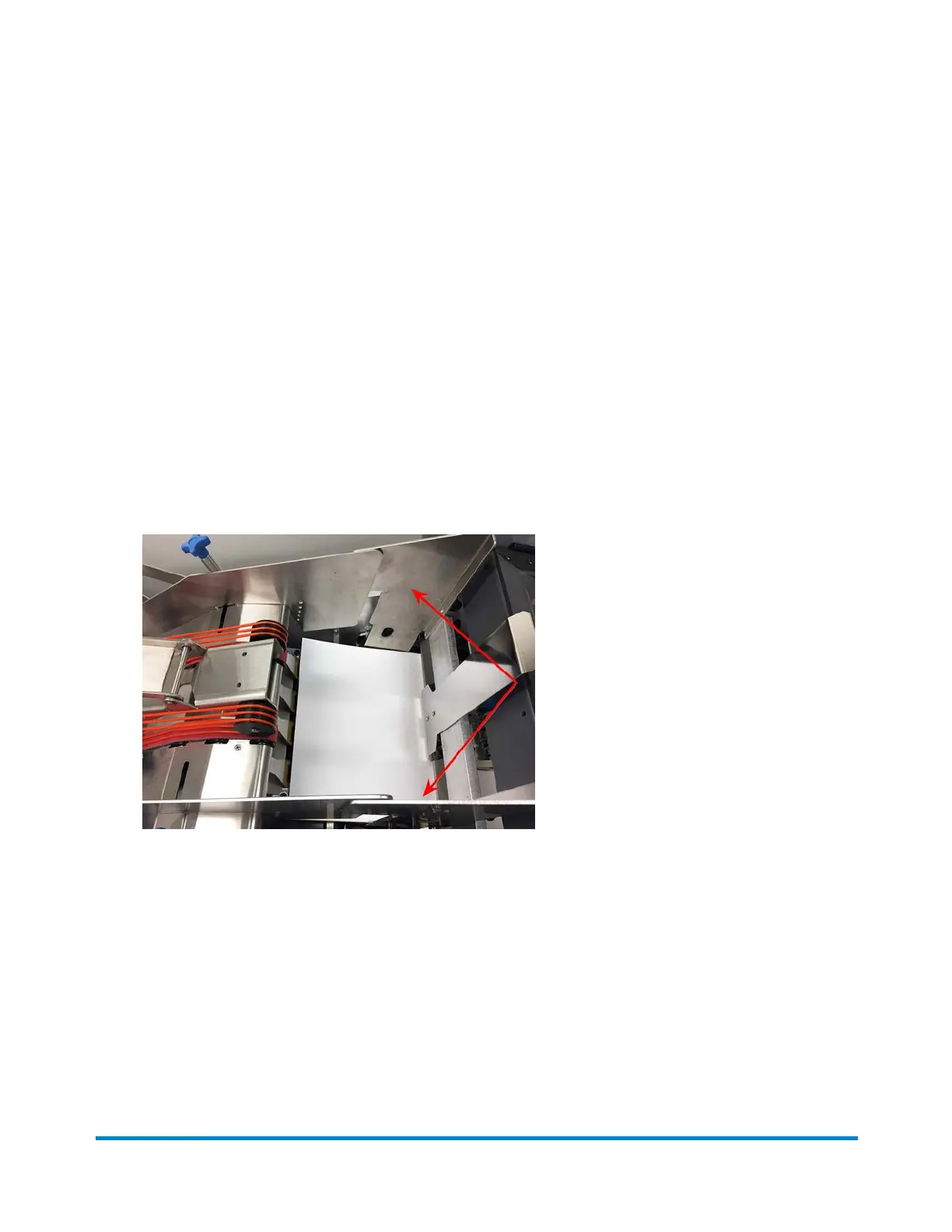
Adjusting the Bulk Loader Hopper Side Guides
There are two side guides on the bulk loading hopper, one on the operator side and one on the non-
operator side.
The guide on the operator side is a short guide, held in place by two blue locking knobs. The guide on the
non- operator side is a long guide, held in place by three blue locking knobs.
Both side guides need to be straight and inside the booklet feeder side guides, or a catch point will occur.
1. Be sure the bulk loader hopper deck is properly adjusted. (Refer to the Adjusting the Bulk Loader
Hopper Deck for details.)
2. With the bulk loader hopper deck and booklet feeder side guides properly adjusted, slide the
operator and non-operator side guides so they are tight to the inside of the booklet feeder side
guides.
Bulk Loader Hopper Side Guides (inside booklet feeder side guides)
3. Continue to align the side guides, keeping them parallel to the two red drive belts. (There is a scale
to help with this adjustment.)
Operator Adjustments
Pitney Bowes Epic v3.1 (ZVE0) Operator Guide May, 2018 Page 161 of 328



 To Next Page