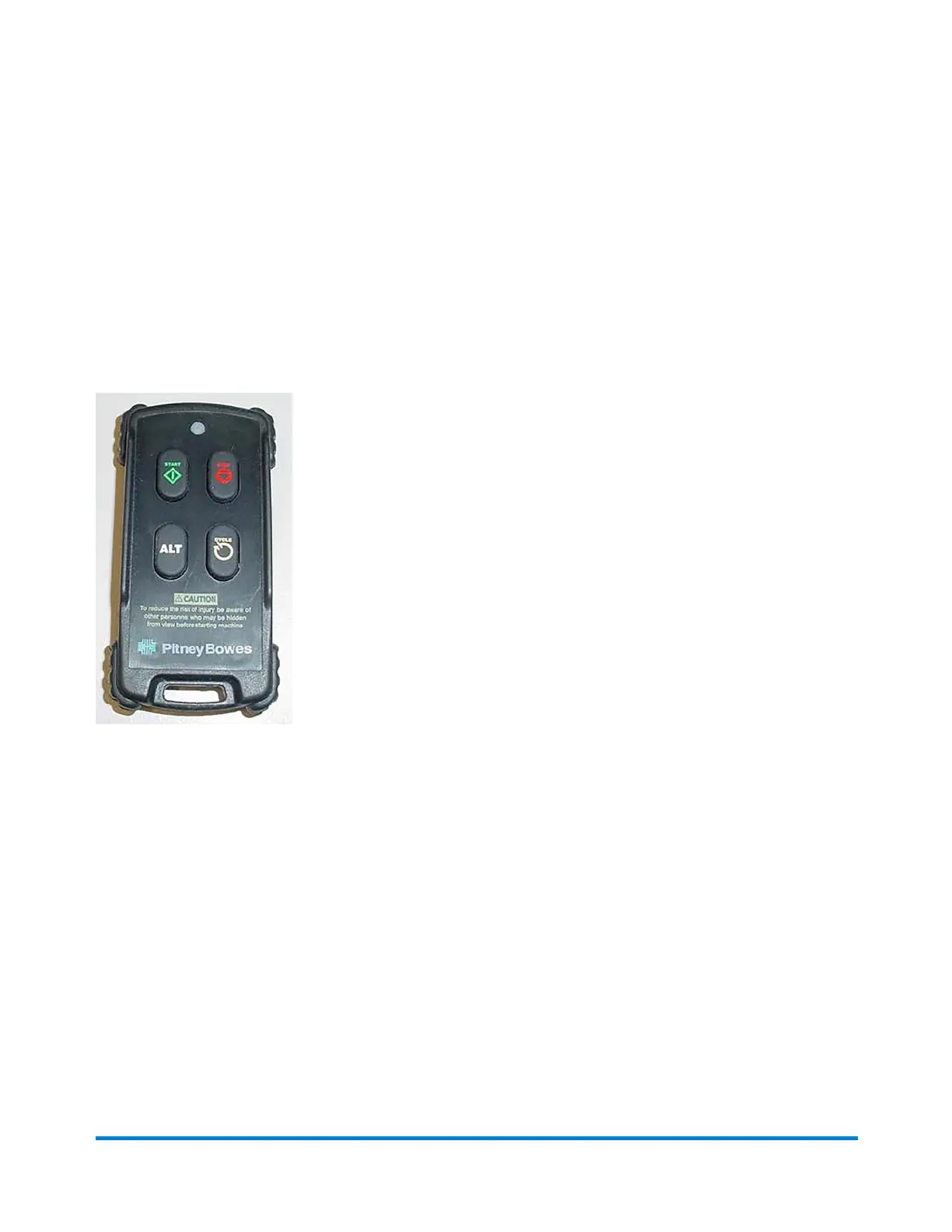
About the Remote Control
Direct Connect (DC) is the operating system software that controls the inserter. You make selections in
DC using a mouse, keyboard, and computer monitor for setting up, running, and servicing the inserter. A
DC touchscreen monitor is optional.
Although DC is used to control many aspects of the inserter, the remote control unit should be used as
much as possible to operate the system.
Remote Control Functions
l Start and Stop - Press the Start and Stop buttons to start and stop the machine.
l Cycle - If the input is in Service mode, press the Cycle button to feed one sheet at a time.
l Clear Deck - To clear the deck (an operating sequence that clears the inserter deck of all
mailpieces), press the Stop and Cycle buttons at the same time. Refer to the Clear Deck
Function topic for more information.
Product Overview
Pitney Bowes Epic v3.1 (ZVE0) Operator Guide May, 2018 Page 18 of 328



 To Next Page