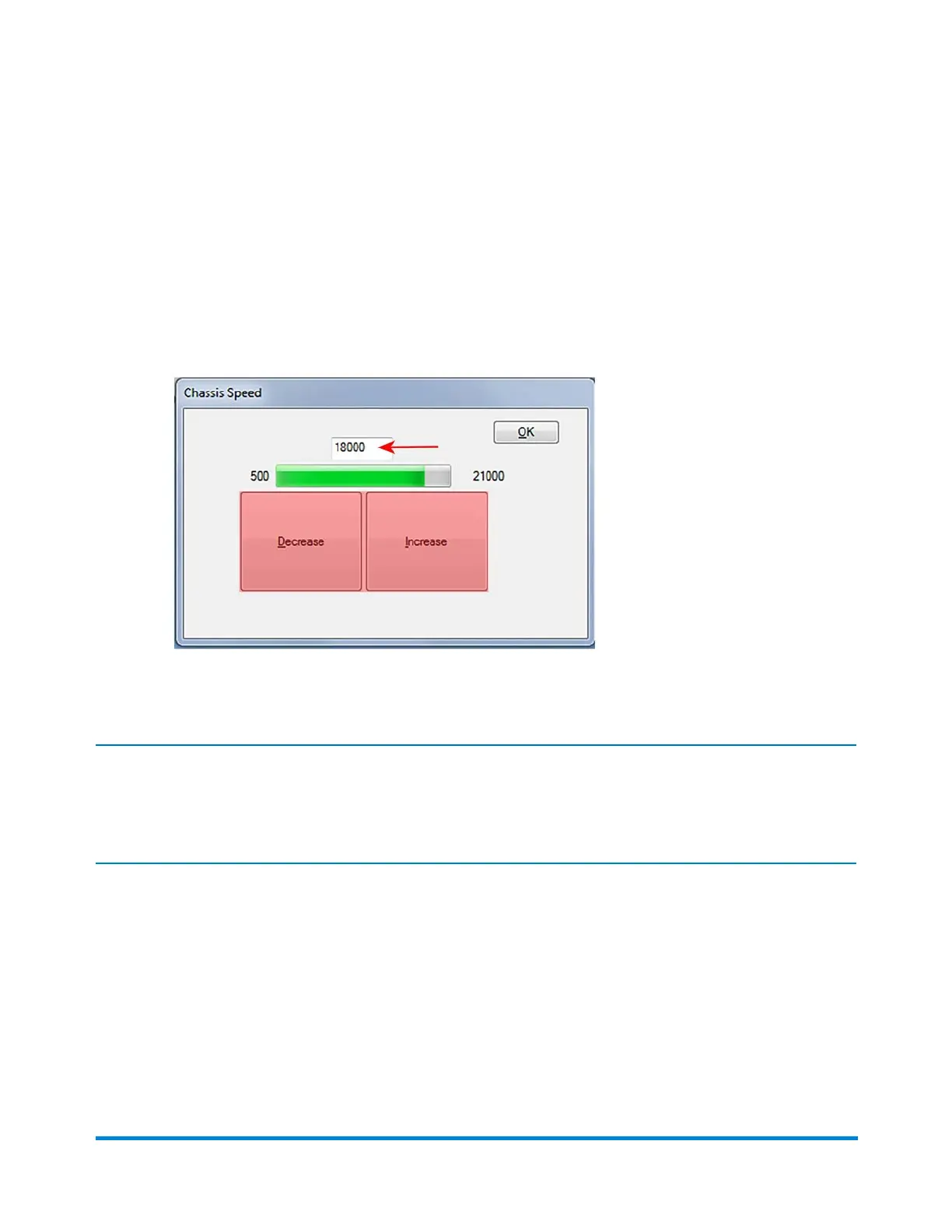
2. To change the speed in the Chassis Speed dialog:
l Use the mouse to click the Decrease and Increase buttons as needed to modify the chassis
speed setting.
OR
l Use the mouse to click in the text field above the buttons and type a number to manually adjust
the speed.
3. When the desired speed is set, click OK.
Note:
If the speed of the chassis is changed while the system is running, the speed will gradually change after
the new speed values are entered.
Operator Adjustments
Pitney Bowes Epic v3.1 (ZVE0) Operator Guide May, 2018 Page 108 of 328



 To Next Page