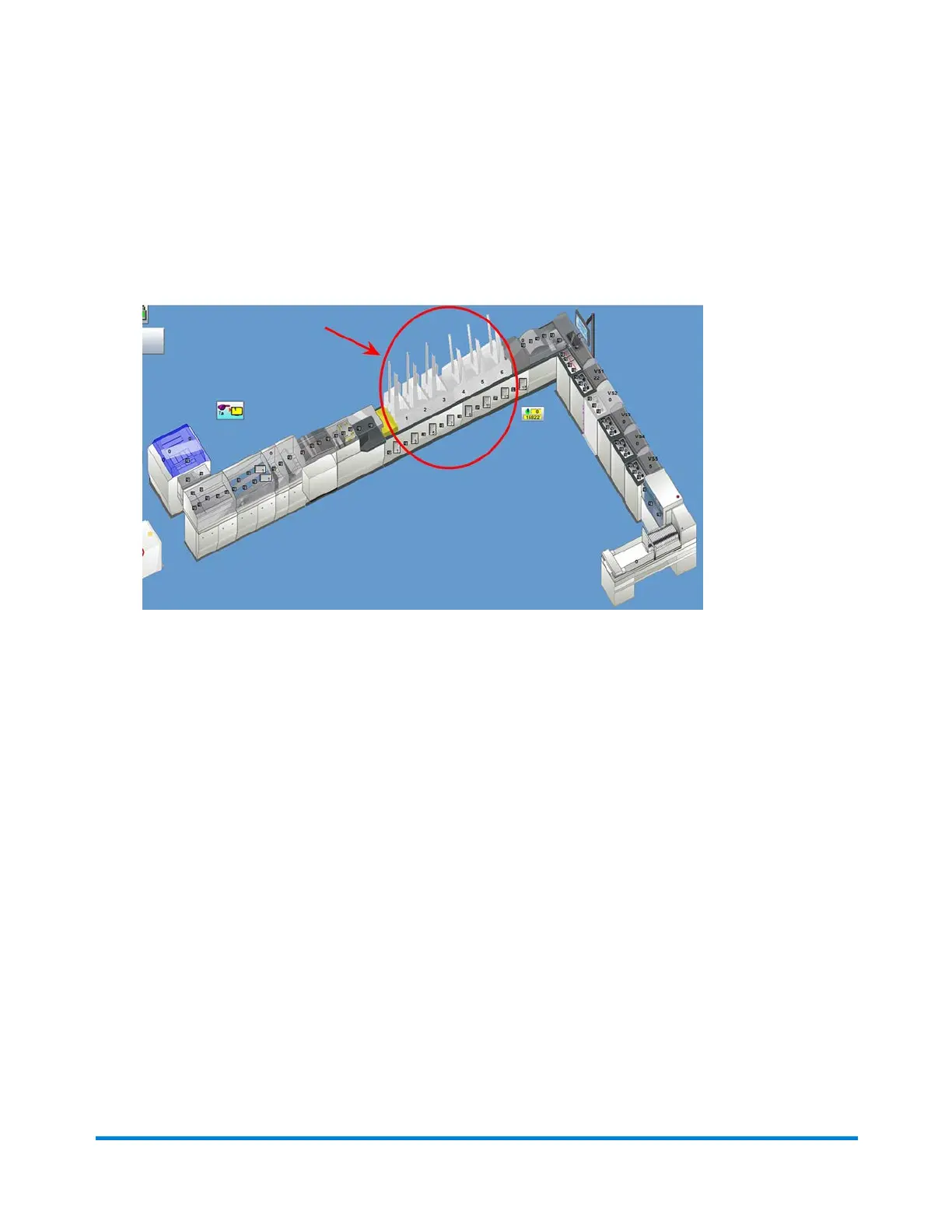
Verifying Feeder Setup Using "Feed with Jog" Function
You can verify rotary feeders are set up propelry using the Feed with Jog function.
1. Click the desired Rotary Feeder object on the main DC screen.
Feeder Objects
2. Select Feed with Jog from the drop-down menu. (If Feed with Jog is not in the drop-down list,
select Jog Only; click the Feeder object again and Feed with Jog is now listed.)
3. Once the Feed with Jog mode is initiated in DC, press and hold the Jog button on the feeder.
The material in the feeder drum is cleared and another insert is acquired and fed to confirm correct setup.
Operator Adjustments
Pitney Bowes Epic v3.1 (ZVE0) Operator Guide May, 2018 Page 136 of 328



 To Next Page