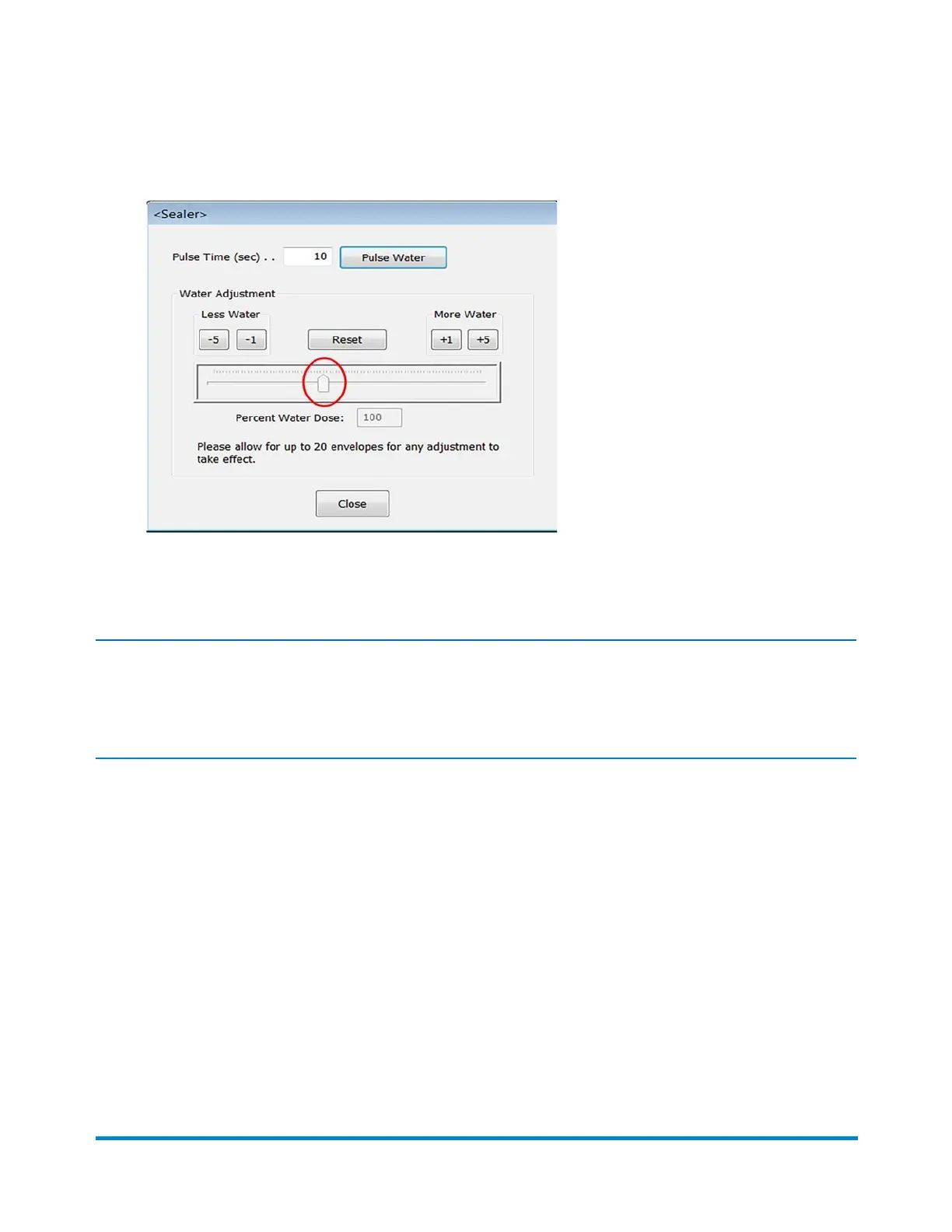
2. Use the adjustment bar slider to adjust the amount of fluid dispensed.
Pulse Water - when this parameter is selected, the sealer pump will pulse for the amount of time
displayed in the field, up to 30 seconds. This feature is not active while the system is running.
Note:
Make small changes with the slider checking often to see if you are getting the desired results.
Excessive fluid will drain into the overflow tube into the overflow catch bin.
Operator Adjustments
Pitney Bowes Epic v3.1 (ZVE0) Operator Guide May, 2018 Page 81 of 328



 To Next Page