Adding the Flat Stacker
1. Roll the flats stacker up to the appropriate vertical stacker (use the handle) and align the locking
latches to the mating holes in the stacker.
2. Once the latches and holes are aligned, latch them closed.
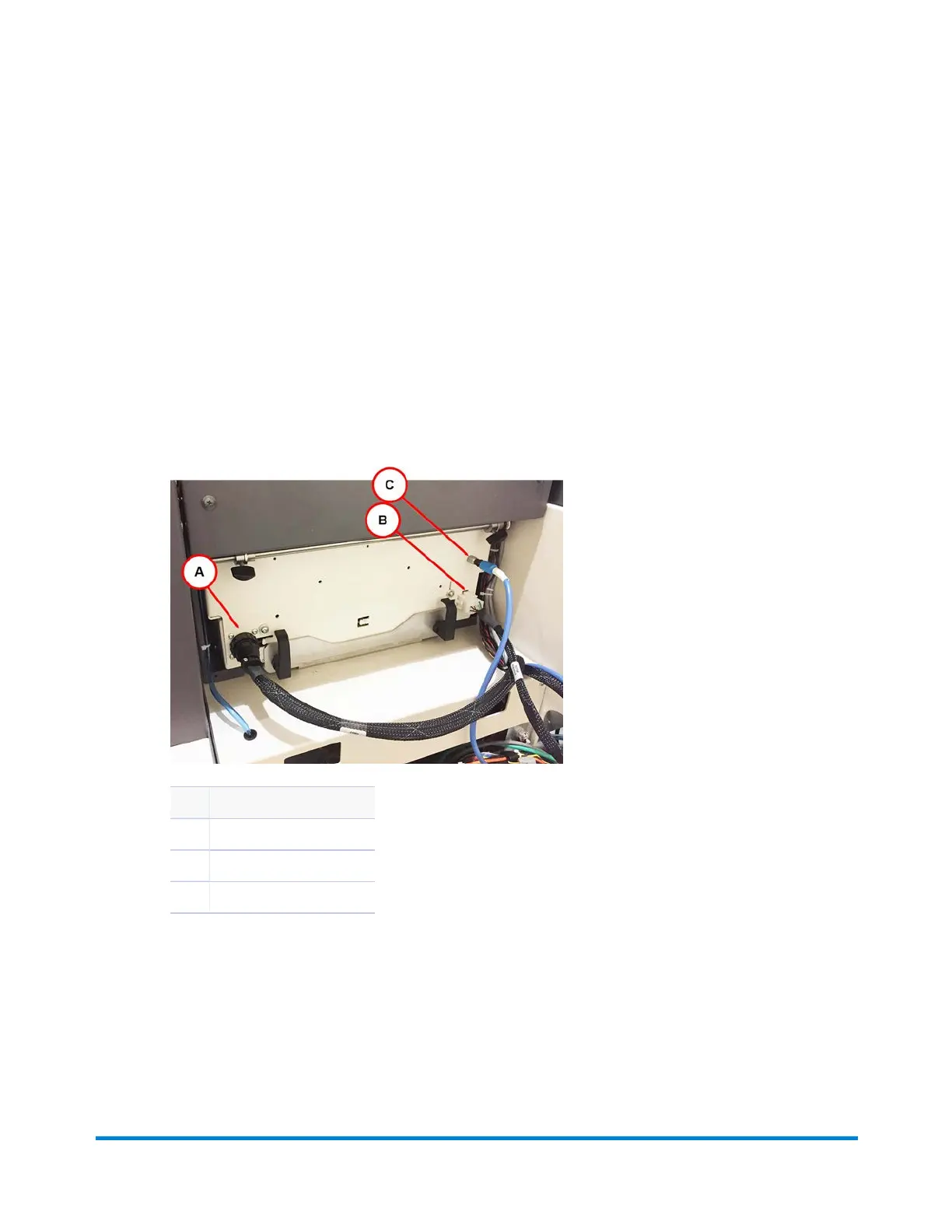
3. Connect the three electrical connections:
a. Align the starting tab and tighten the ring on the connector.
b. Align the connector so the starting tab is in the correct orientation, and then press the
connector together until it locks in place.
c. Align the pin into the blue plug and press them together.
Item Description
A Connector
B Tab
C Align and press together
Electrical Connections
Operator Adjustments
Pitney Bowes Epic v3.1 (ZVE0) Operator Guide May, 2018 Page 87 of 328



 To Next Page