User’s Manual of GS-4210-16T2S_24T2S_16P2S_24P2S_48T4S
By default, the field is set to All.
• Ingress Filtering
• If ingress filtering is enabled (checkbox is checked), frames classified to a
VLAN that the port is not a member of get discarded.
• If ingress filtering is disabled, frames classified to a VLAN that the port is not a
member of are accepted and forwarded to the switch engine.
However, the port will never transmit frames classified to VLANs that it is not a
member of.
• Uplink
Enable/disable uplink function in trunk port.
• TPID
Configure the type (TPID) of the protocol of switch trunk port.
Button
: Click to apply changes.
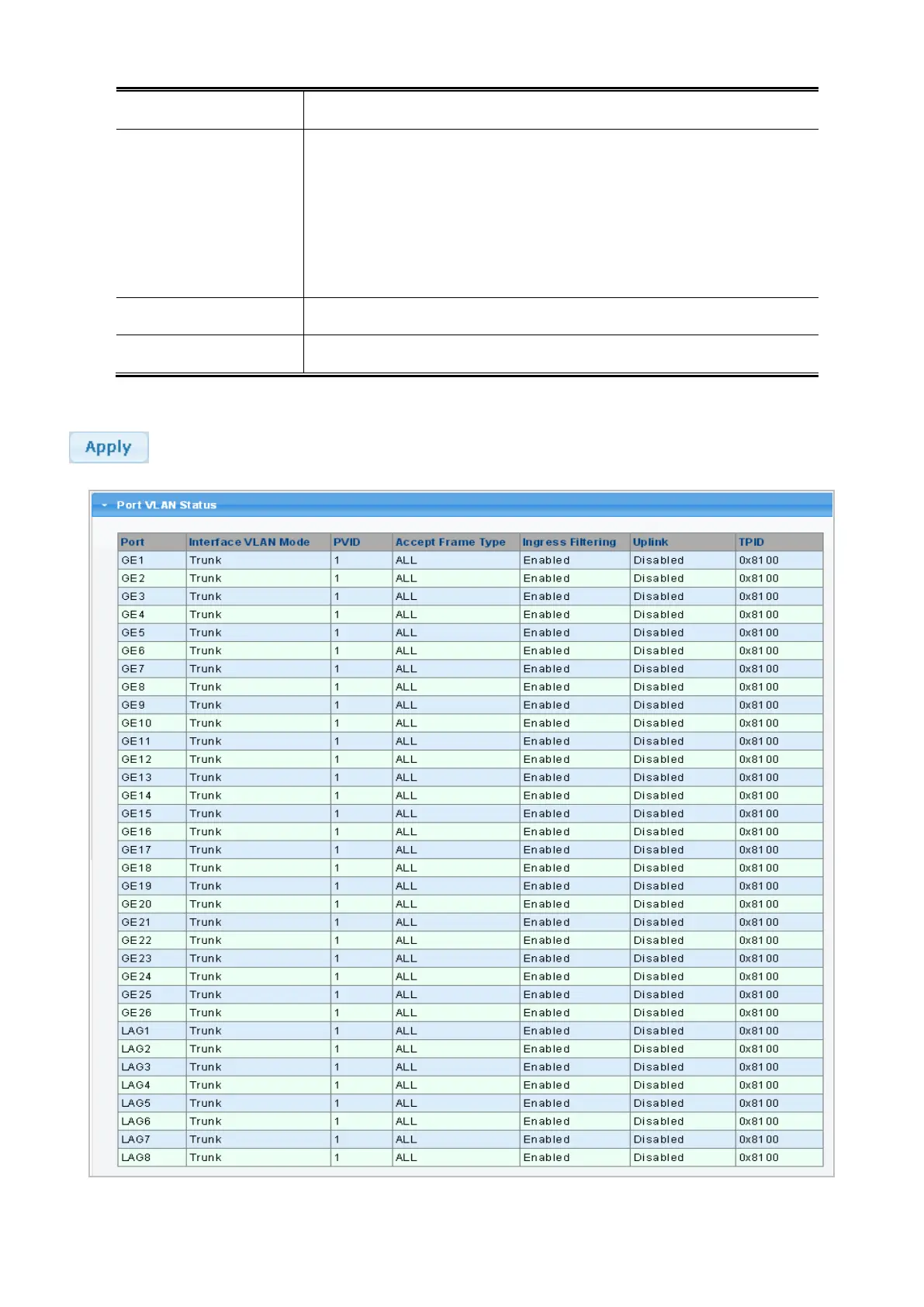
Figure 4-5-6: Edit Interface Setting Page Screenshot



 To Next Page
 Loading...










