User’s Manual of GS-4210-16T2S_24T2S_16P2S_24P2S_48T4S
4.16.5 Configuation Manager
In the Managed Switch, the running configuration file stores in the RAM. In the current version, the running configuration
sequence of running-config can be saved from the RAM to FLASH by click ”SAVE” then ”Save Configurations to FLASH”
function, so that the running configuration sequence becomes the startup configuration file, which is called configuration save.
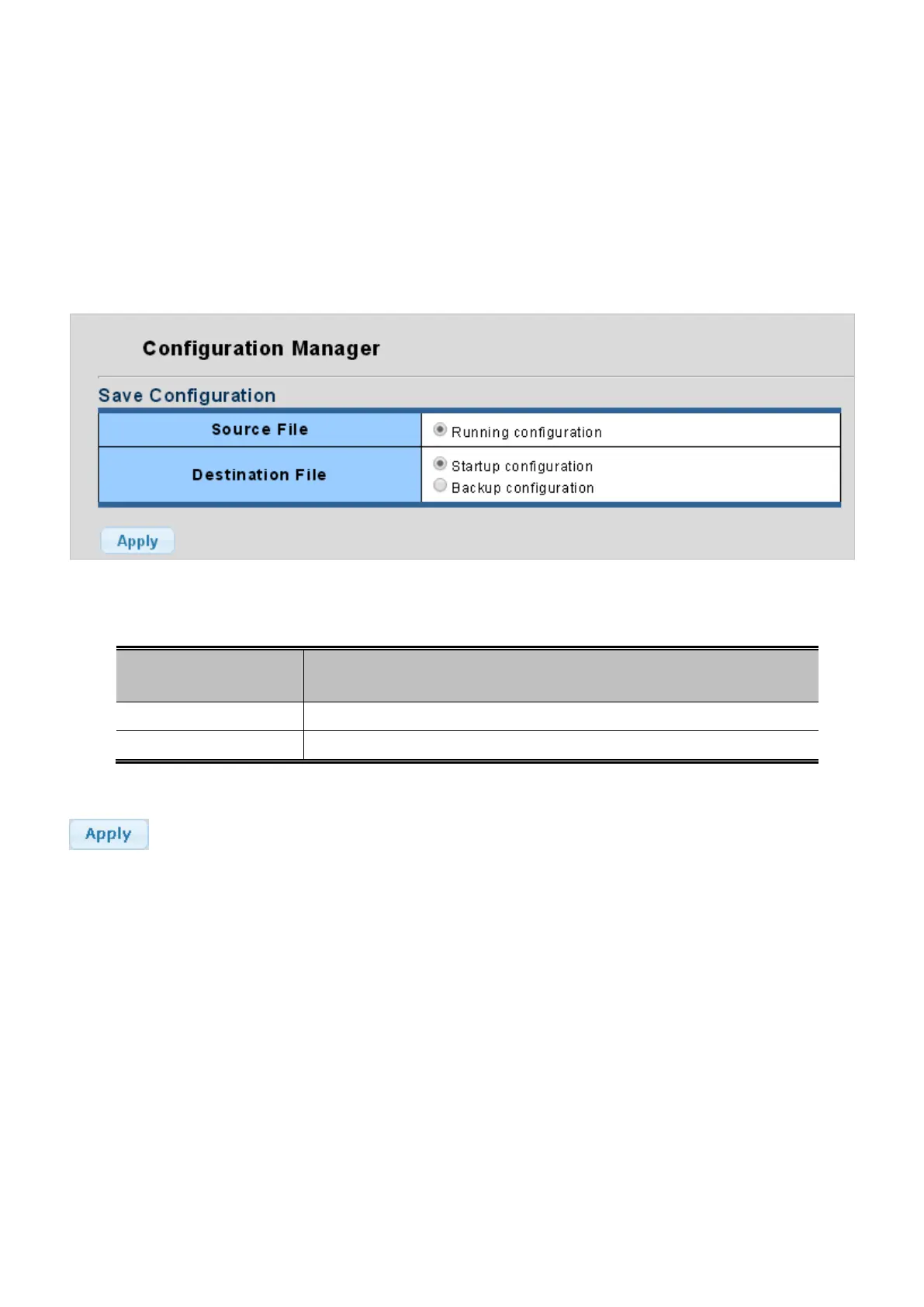
This page also provides to save all applied changes and set the current configuration as a startup configuration or backup
configuration. The startup-configuration file will be loaded automatically across a system reboot, the configuration manager
screen in Figure 4-16-5 appears.
Figure 4-16-5: Configuration Manager Page Screenshot
The page includes the following fields:
Object Description
• Source File
Provide Running configuration option.
• Destination File
Provide “Startup configuration” and “Backup configuration” options.
Button
: Click to apply changes.


 To Next Page
 Loading...










