User’s Manual of GS-4210-16T2S_24T2S_16P2S_24P2S_48T4S
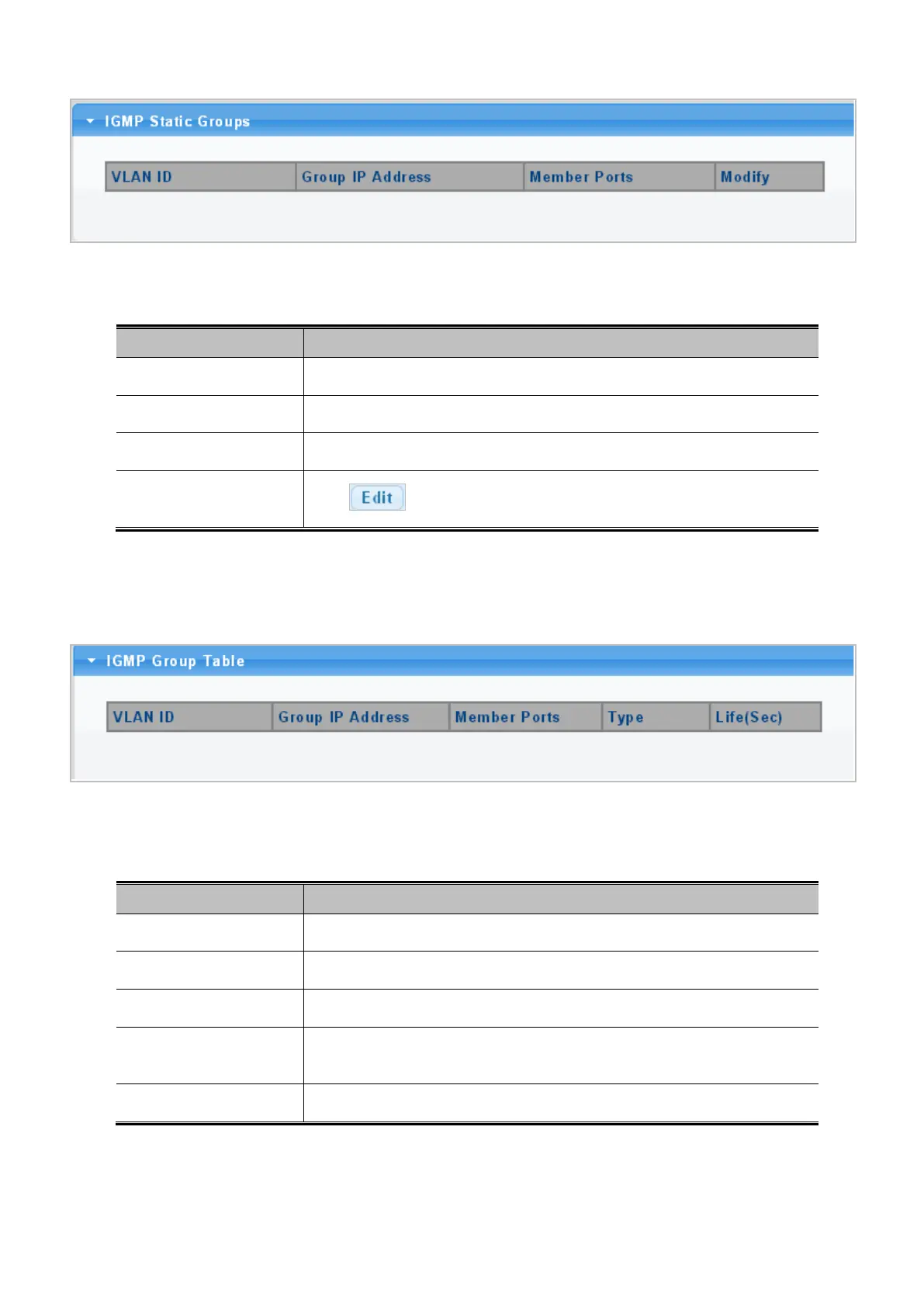
Figure 4-7-13: IGMP Static Groups Page Screenshot
The page includes the following fields:
Object Description
• VLAN ID
Display the current VLAN ID.
• Group IP Address
Display the current group IP address.
• Member Ports
Display the current member ports.
• Modify
Click to edit parameter.
4.7.2.4 IGMP Group Table
This page provides Multicast Database. The IGMP Group Table screen in Figure 4-7-14 appears.
Figure 4-7-14: IGMP Group Table Page Screenshot
The page includes the following fields:
Object Description
• VLAN ID
Display the current VID.
• Group IP Address
Display multicast IP address for a specific multicast service.
• Member Ports
Display the current member port.
• Type
Member types displayed include Static or Dynamic, depending on selected
options.
• Life(Sec)
Display the current life.



 To Next Page
 Loading...










