User’s Manual of GS-4210-16T2S_24T2S_16P2S_24P2S_48T4S
4.12.7 MED Port Setting
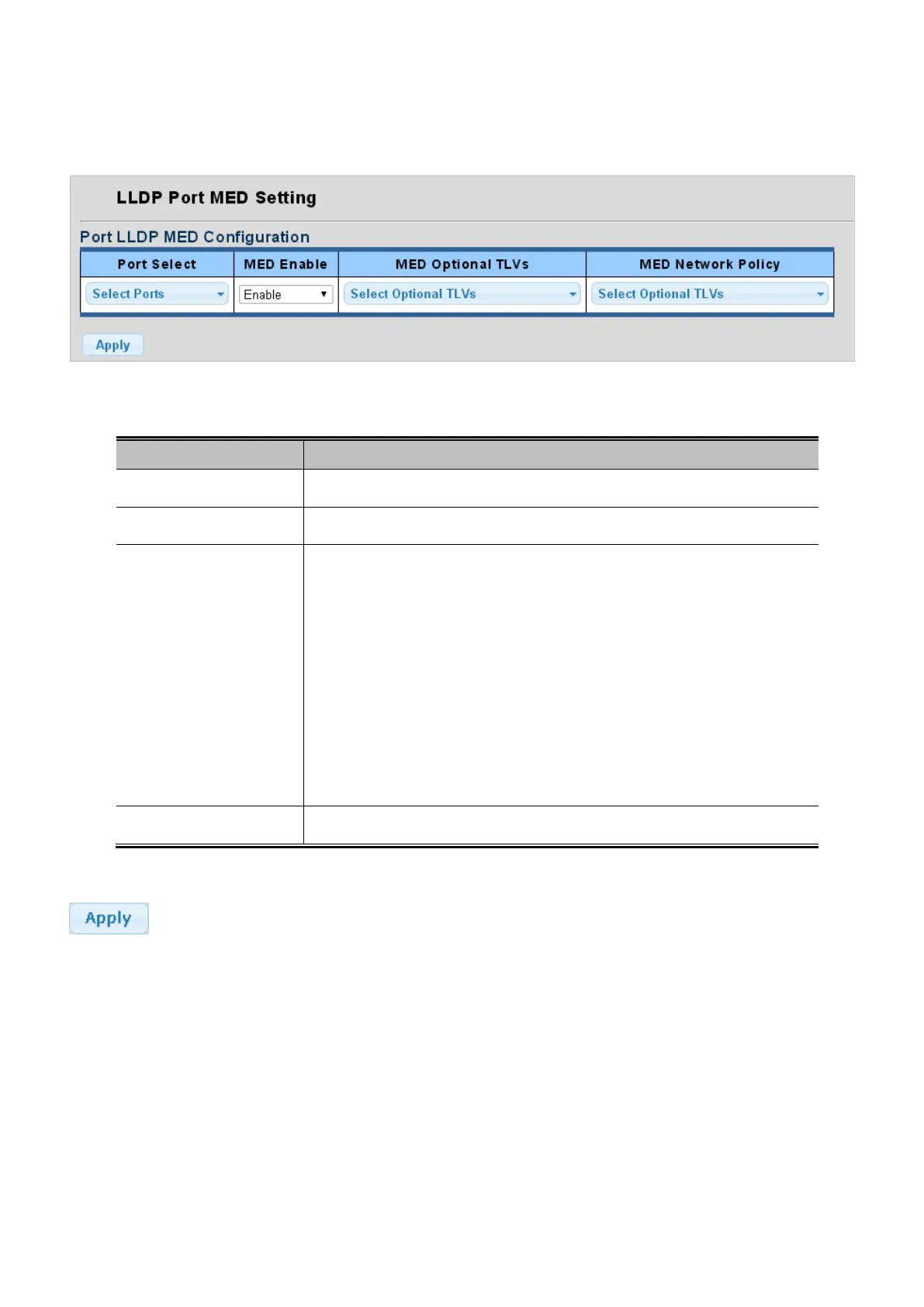
The Port LLDP MED Configuration/Port Setting Table screens in Figure 4-12-20 and Figure 4-12-21 appear.
Figure 4-12-20: Port LLDP MED Configuration Page Screenshot
The page includes the following fields:
Object Description
• Port Select
Select port for this drop down list.
• MED Enable
Enable or disable MED configuration.
• MED Optional TVLs
Configures the information included in the MED TLV field of advertised
messages.
-Network Policy – This option advertises network policy configuration
information, aiding in the discovery and diagnosis of VLAN configuration
mismatches on a port. Improper network policy configurations frequently result in
voice quality degradation or complete service disruption.
-Location – This option advertises location identification details.
-Inventory – This option advertises device details useful for inventory
management, such as manufacturer, model, software version and other
• MED Network Policy
Select MED network policy for this drop down list.
Button
: Click to apply changes.



 To Next Page
 Loading...










