User’s Manual of GS-4210-16T2S_24T2S_16P2S_24P2S_48T4S
4.14.2 PoE Port Setting
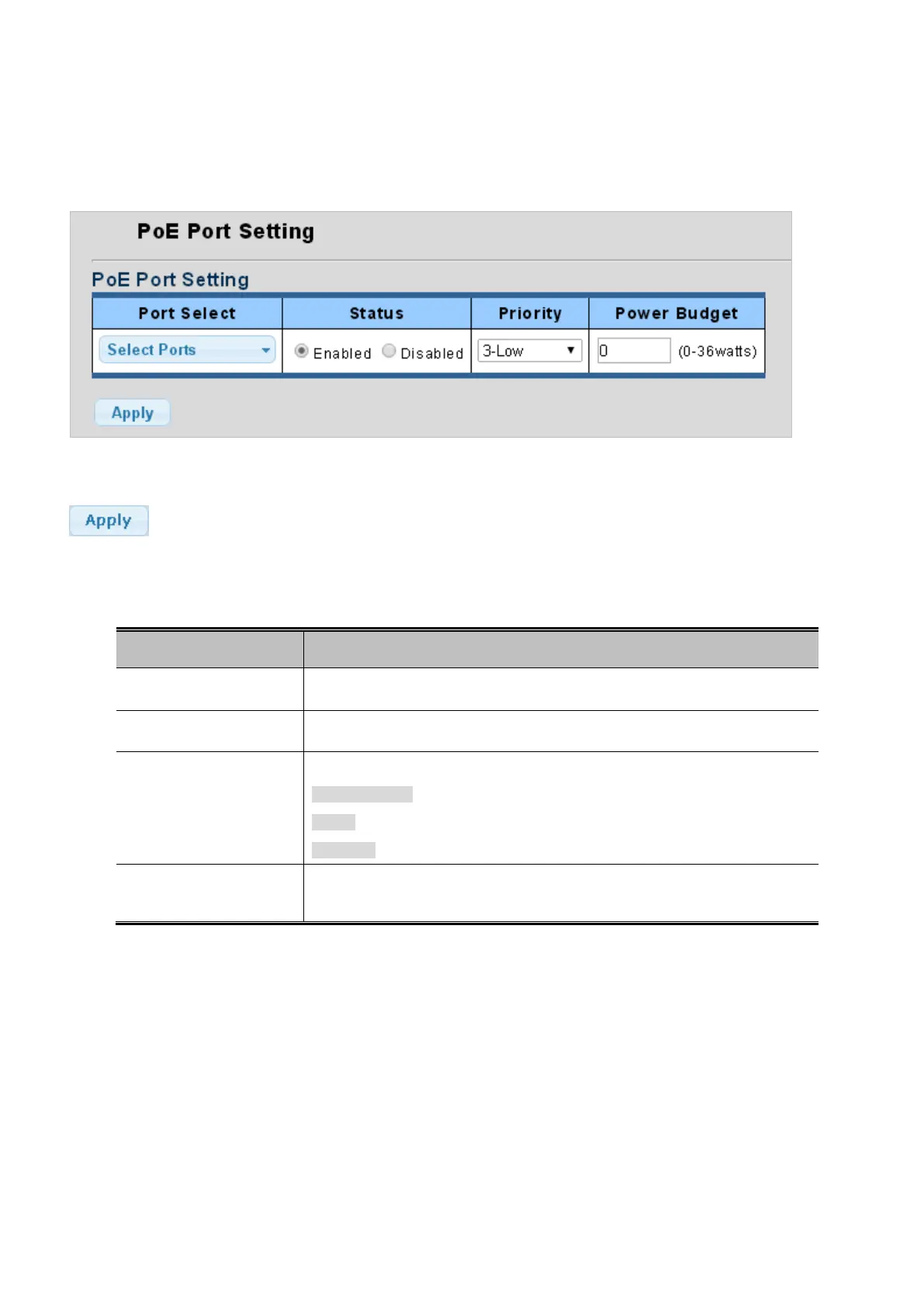
This page allows adjusting per port PoE budget and viewing per PoE port status. The PoE Port Setting screen in Figure 4-14-2
appears.
Figure 4-14-2: PoE Port Setting Page Screenshot
Button
: Click to apply changes.
The page includes the following fields:
Object Description
• Port Select
Select port from this drop down list.
• Status
Disable or enable per port PoE function.
• Priority
Select priority oprtions from this drop down list. The available options are:
3-Low (Default)
2-High
1-Critiical
• Power Budget
Allow assign PoE Budget to per port of the PoE Managed Switch. The range is
0-36 watts.



 To Next Page
 Loading...










