User’s Manual of GS-4210-16T2S_24T2S_16P2S_24P2S_48T4S
4.3.7 Port Error Disabled Status
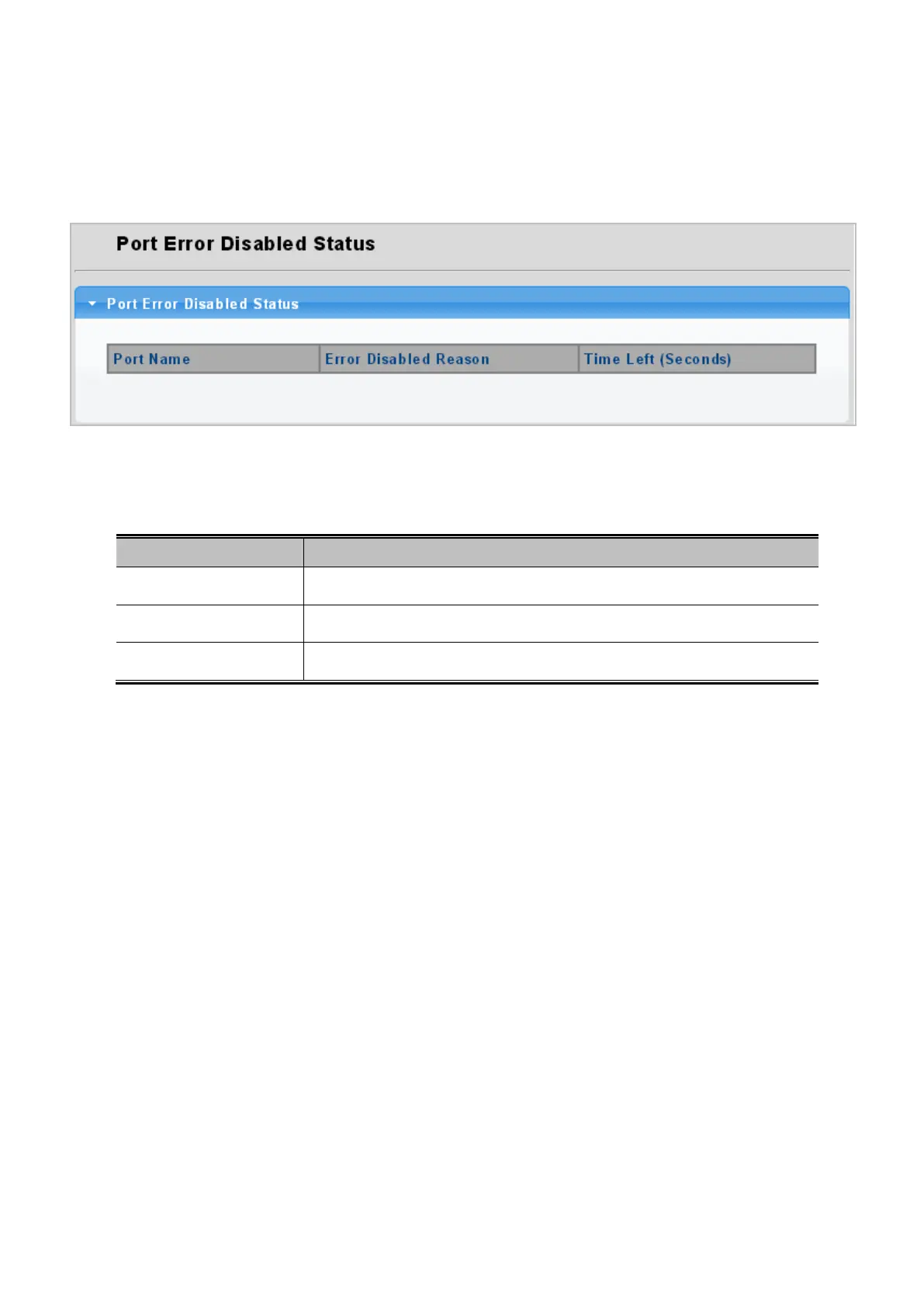
This page provides disable that transitions a port into error disable and the recovery options. The ports were disabled by some
protocols such as BPDU Guard, Loopback and UDLD. The Port Error Disable screen in Figure 4-3-15 appears.
Figure 4-3-15: Port Error Disable Status Page Screenshot
The displayed counters are:
Object Description
• Port Name
Displays the port for error disable status.
• Error Disabled Reason
Display the error disabled reason of the port.
• Time Left (Seconds)
Display the time left in seconds.


 To Next Page
 Loading...










