User’s Manual of GS-4210-16T2S_24T2S_16P2S_24P2S_48T4S
2. INSTALLATION
This section describes the hardware features and installation of the Managed Switch on the desktop or rack mount. For easier
management and control of the Managed Switch, familiarize yourself with its display indicators, and ports. Front panel
illustrations in this chapter display the unit LED indicators. Before connecting any network device to the Managed Switch, please
read this chapter completely.
2.1 Hardware Description
2.1.1 Switch Front Panel
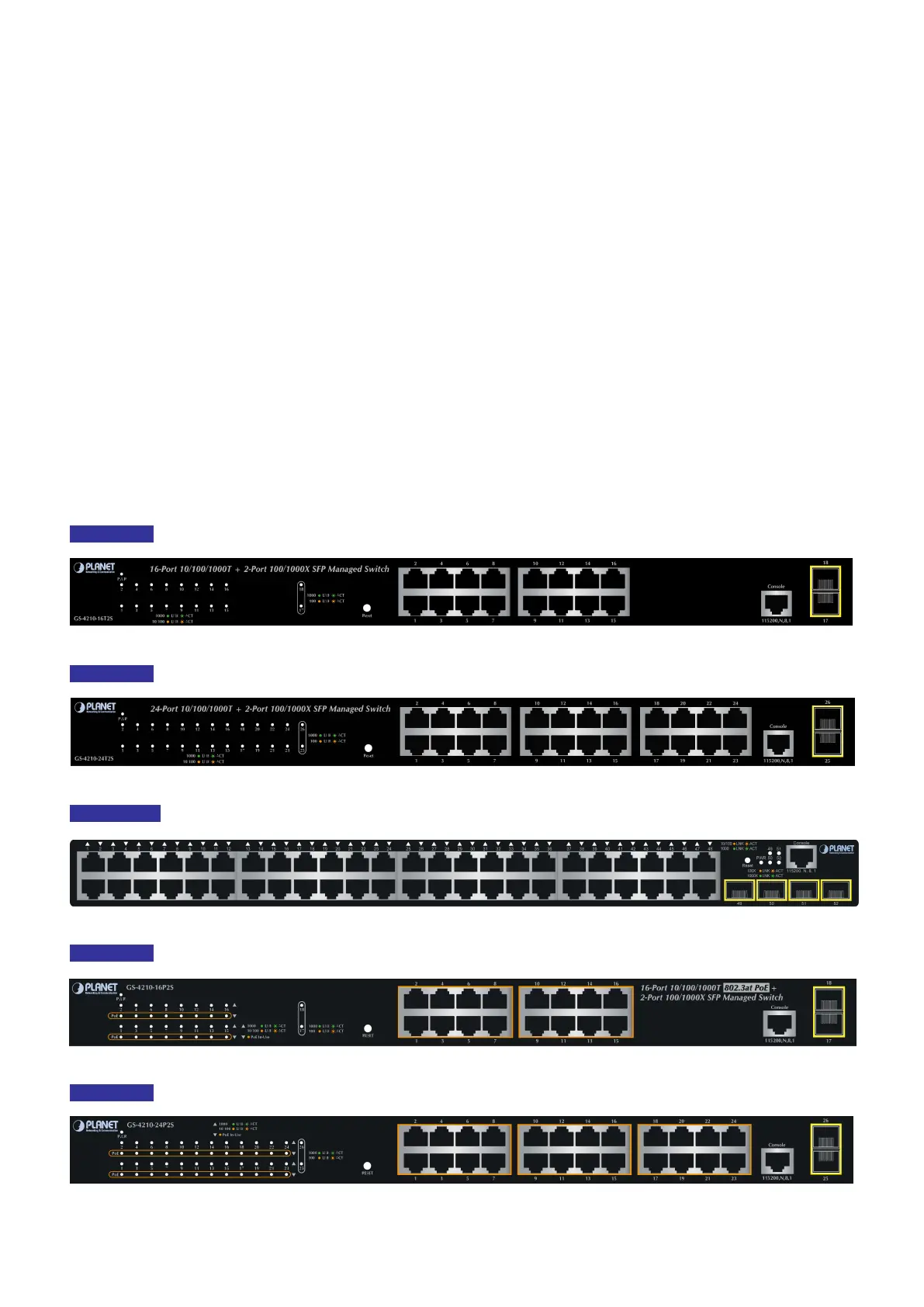
The front panel provides a simple interface monitoring the Managed Switch. Figure 2-1-1, Figure 2-1-2, Figure 2-1-3, Figure
2-1-4 and Figure 2-1-5 show their front panels.
Front Panel
Figure 2-1-1: GS-4210-16T2S Front Panel
Front Panel
Figure 2-1-2: GS-4210-24T2S Front Panel
Front Panel
Figure 2-1-3: GS-4210-48T4S Front Panel
Front Panel
Figure 2-1-4: GS-4210-16P2S Front Panel
Front Panel
Figure 2-1-5: GS-4210-24P2S Front Panel



 To Next Page
 Loading...










