User’s Manual of GS-4210-16T2S_24T2S_16P2S_24P2S_48T4S
4.11.2 MAC Filtering
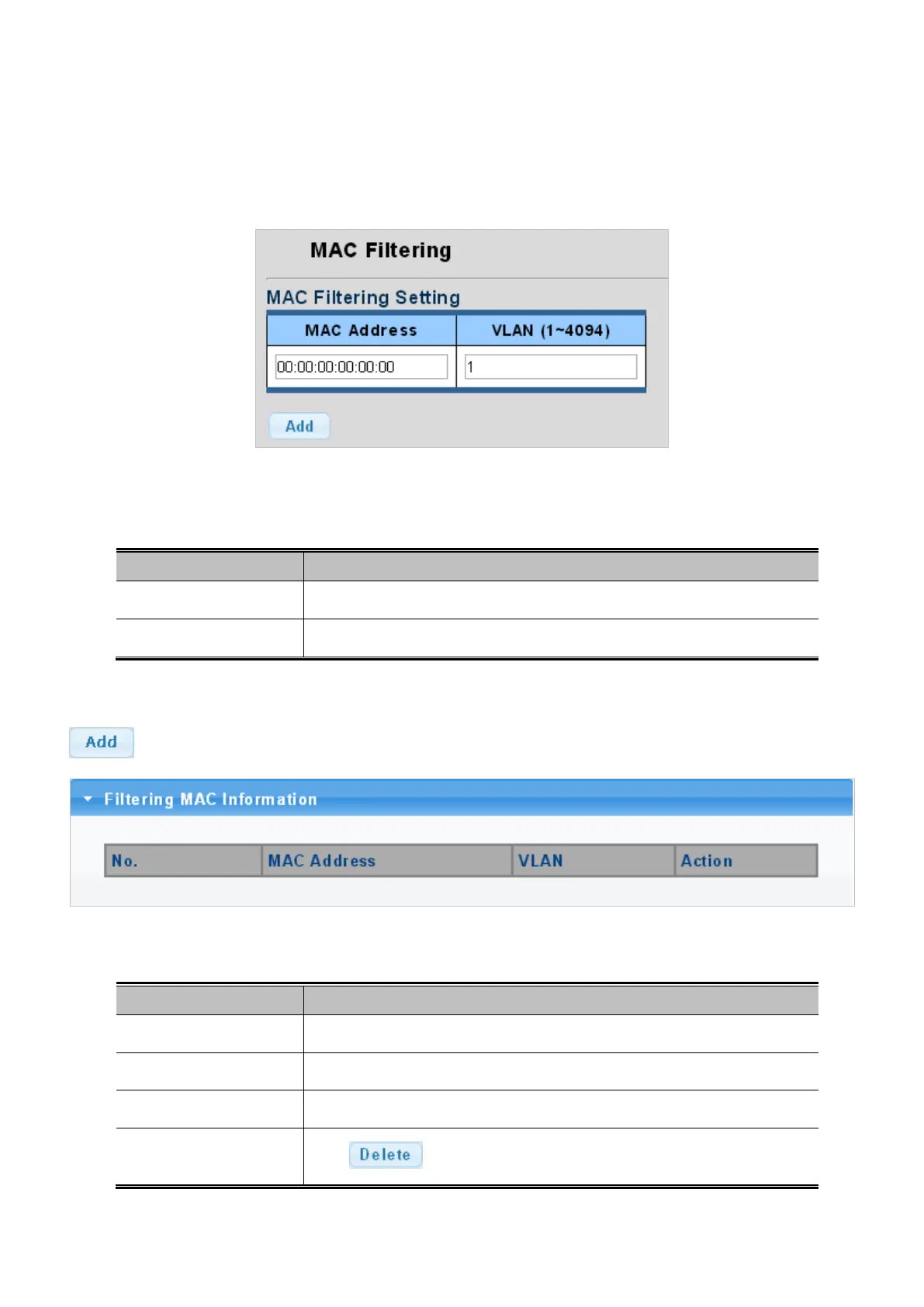
By filtering MAC address, the switch can easily filter the per-configured MAC address and reduce the un-safety. The Static MAC
Setting screens in Figure 4-11-3 and Figure 4-11-4 appear.
Figure 4-11-3: MAC Filtering Setting Page Screenshot
The page includes the following fields:
Object Description
• MAC Address
Physical address associated with this interface.
• VLAN (1~4094)
Indicates the ID of this particular VLAN.
Button
: Click to add new MAC filtering setting.
Figure 4-11-4: MAC Filter Information Page Screenshot
The page includes the following fields:
Object Description
• No.
This is the number for entries
• MAC Address
The MAC address for the entry.
• VLAN
The VLAN ID for the entry.
• Action
Click
to delete static MAC status entry.



 To Next Page
 Loading...










