User’s Manual of GS-4210-16T2S_24T2S_16P2S_24P2S_48T4S
4.3.5 Jumbo Frame
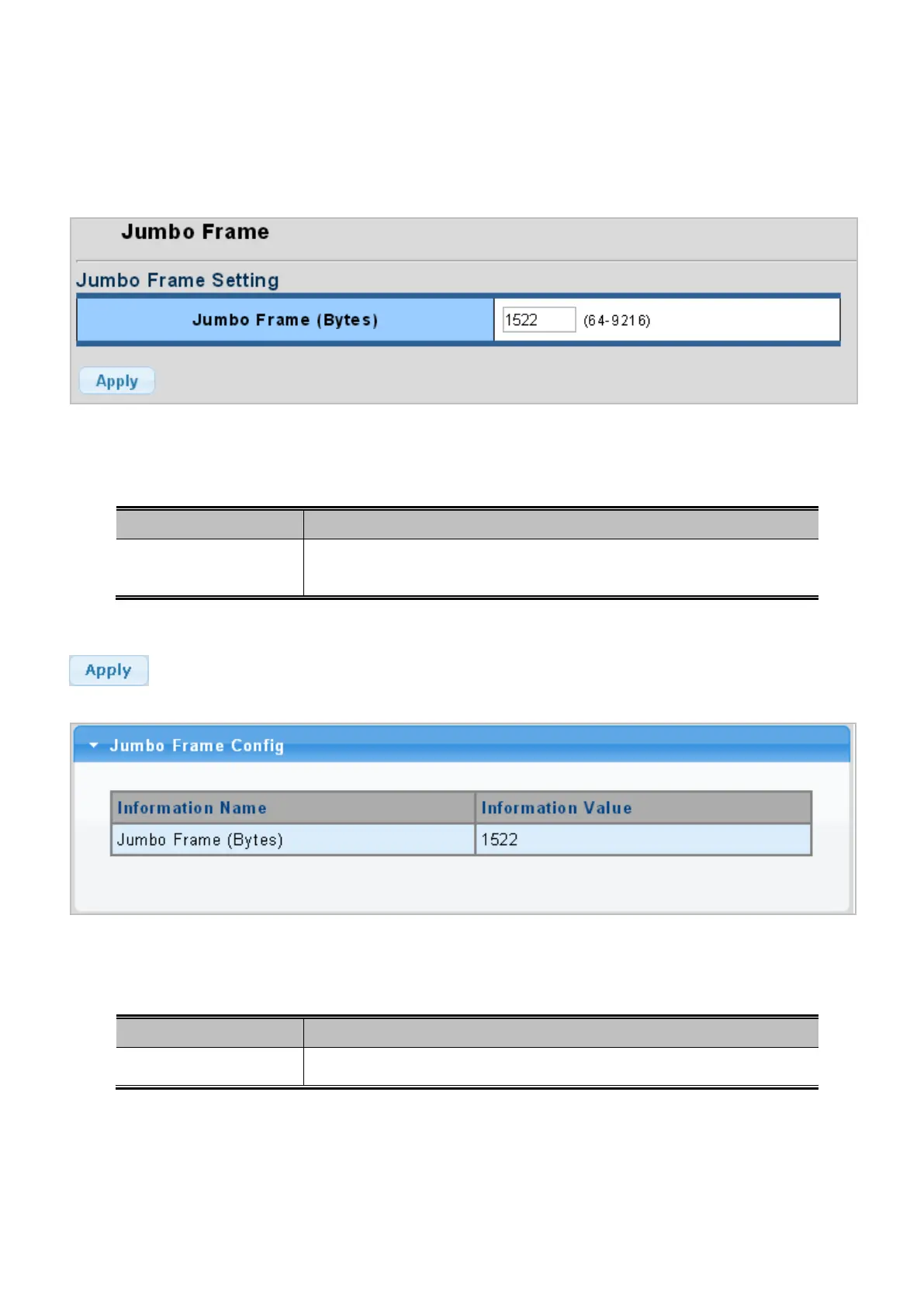
This page provides to select the maximum frame size allowed for the switch port. The Jumbo Frame screens in Figure 4-3-11
and Figure 4-3-12 appear.
Figure 4-3-11: Jumbo Frame Setting Page Screenshot
The page includes the following fields:
Object Description
• Jumbo Frame (Bytes)
Enter the maximum frame size allowed for the switch port, including FCS.
The allowed range is 64 bytes to 9216 bytes.
Button
: Click to apply changes.
Figure 4-3-12: Jumbo Frame Information Page Screenshot
The page includes the following fields:
Object Description
• Jumbo
Display the current maximum frame size.



 To Next Page
 Loading...










