User’s Manual of GS-4210-16T2S_24T2S_16P2S_24P2S_48T4S
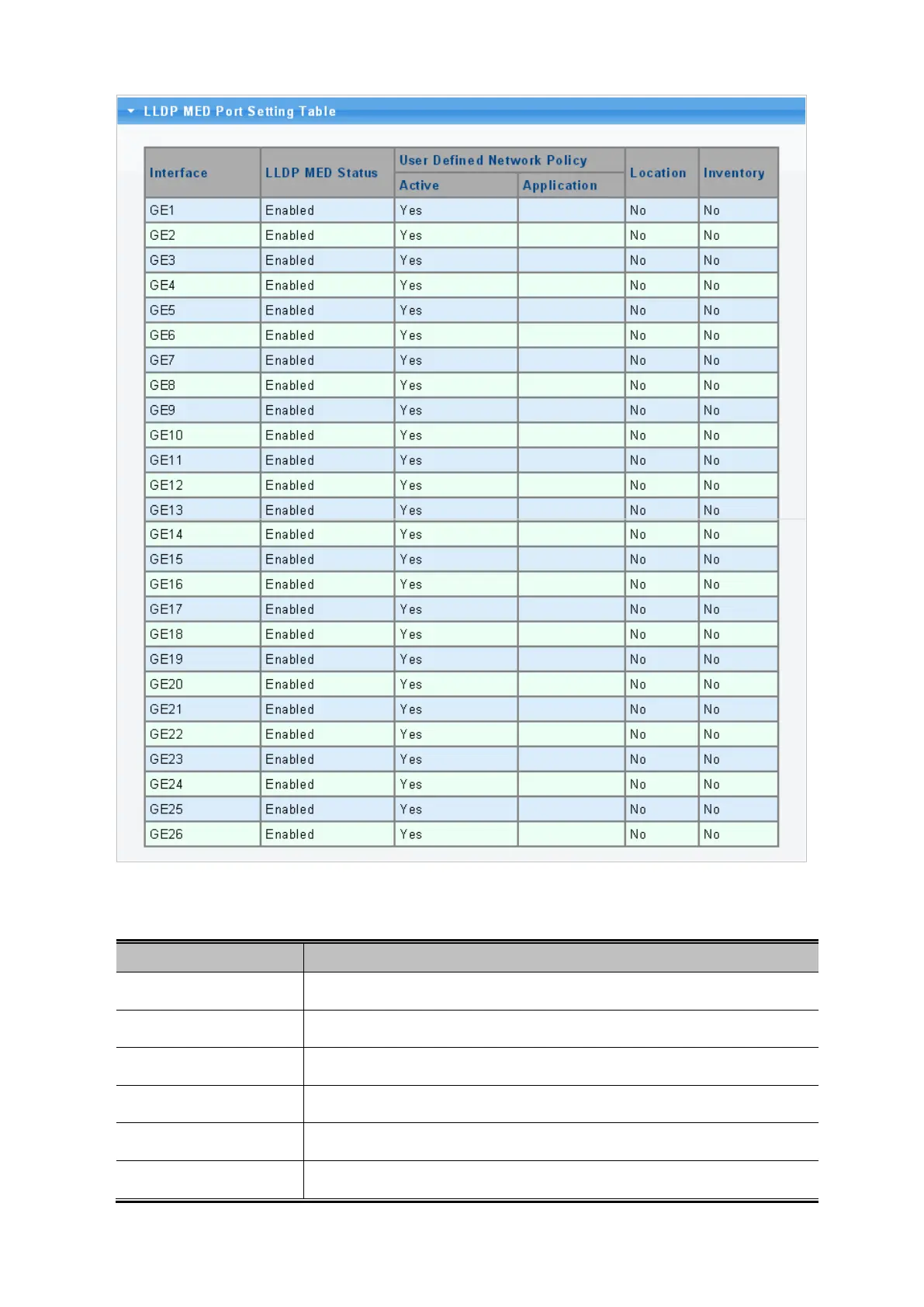
Figure 4-12-21: LLDP MED Port Setting Table Page Screenshot
The page includes the following fields:
Object Description
• Interface
The switch port number of the logical port.
• LLDP MED Status
Display the current LLDP MED status..
• Active
Display the current active status.
• Application
Display the current application.
• Location
Display the current location.
• Inventory
Display the current inventory.



 To Next Page
 Loading...










