User’s Manual of GS-4210-16T2S_24T2S_16P2S_24P2S_48T4S
The page includes the following fields:
Object Description
• Port
Select port for this drop down list.
• Port State
Enable or disable the storm control status for the given storm type.
• Action
Configures the action performed when storm control is over rate on a port. Valid
values are Shutdown or Drop.
• Type Enable
The settings in a particular row apply to the frame type listed here:
Broadcast
Unknown Multicast
Unknown Unicast
• Rate (kbps/pps)
Configure the rate for the storm control. The default value is "10,000" and unit is
16Kbps.
Button
: Click to apply changes.
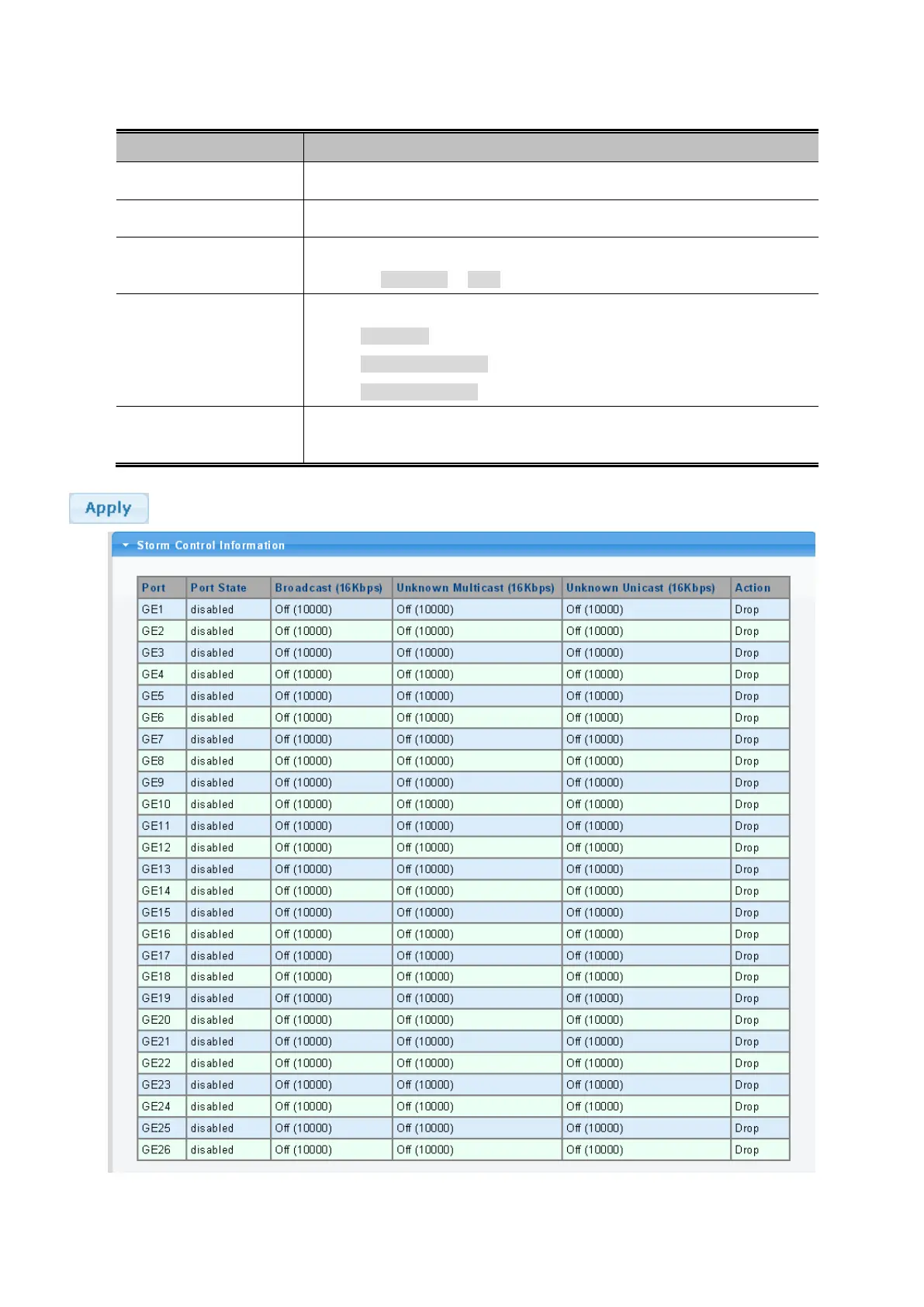
Figure 4-9-4: Storm Control Information Page Screenshot



 To Next Page
 Loading...










