User’s Manual of GS-4210-16T2S_24T2S_16P2S_24P2S_48T4S
Figure 2-1-7: GS-4210-24T2S LED Panel
■ System
LED Color Function
PWR Green
to indicate that the Switch has power.
10/100/1000BASE-T Interfaces
LED
Color Function
1000
LNK/ACT
Green
To indicate the link through that port is successfully established at 1000Mbps.
To indicate that the switch is actively sending or receiving data over that port.
10/ 100
LNK/ACT
Orange
Lights:
Blinks:
To indicate the link through that port is successfully established at 10Mbps or
100Mbps.
To indicate that the switch is actively sending or receiving data over that port.
100/1000BASE-X SFP Interfaces
LED
Color Function
1000
LNK/ACT
Green
To indicate the link through that port is successfully established at 1000Mbps.
To indicate that the switch is actively sending or receiving data over that port.
100
LNK/ACT
Orange
Lights: To indicate the link through that port is successfully established at 100Mbps.
Blinks: To indicate that the switch is actively sending or receiving data over that port.
LED Indication
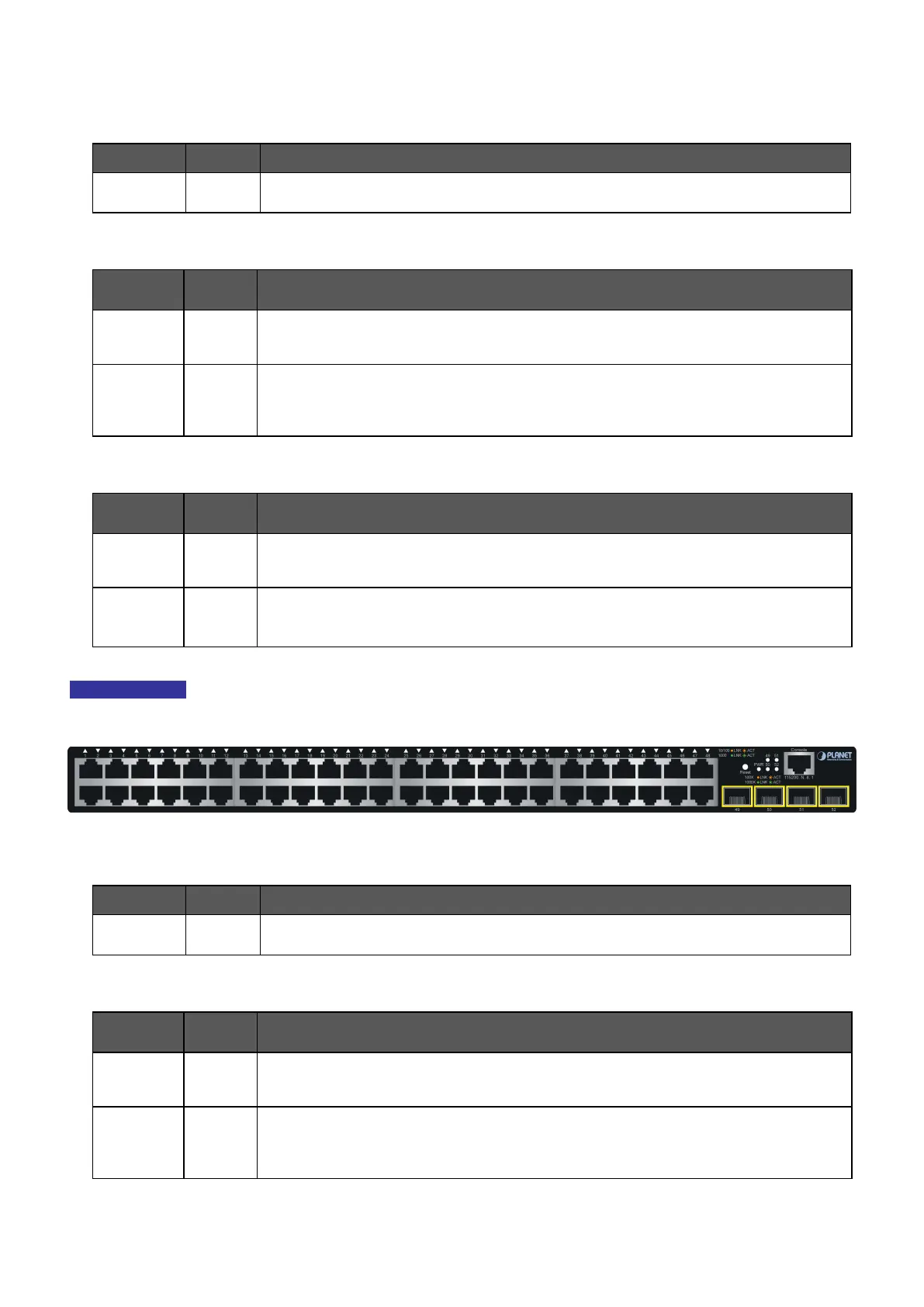
Figure 2-1-8: GS-4210-48T4S LED Panel
■ System
LED Color Function
PWR Green
to indicate that the Switch has power.
■ 10/100/1000BASE-T Interfaces
LED
Color Function
1000
LNK/ACT
Green
To indicate the link through that port is successfully established at 1000Mbps.
To indicate that the switch is actively sending or receiving data over that port.
10/ 100
LNK/ACT
Orange
Lights:
Blinks:
To indicate the link through that port is successfully established at 10Mbps or
100Mbps.
To indicate that the switch is actively sending or receiving data over that port.



 To Next Page
 Loading...










