User’s Manual of GS-4210-16T2S_24T2S_16P2S_24P2S_48T4S
Button
: Click to add IPv6-based ACE list
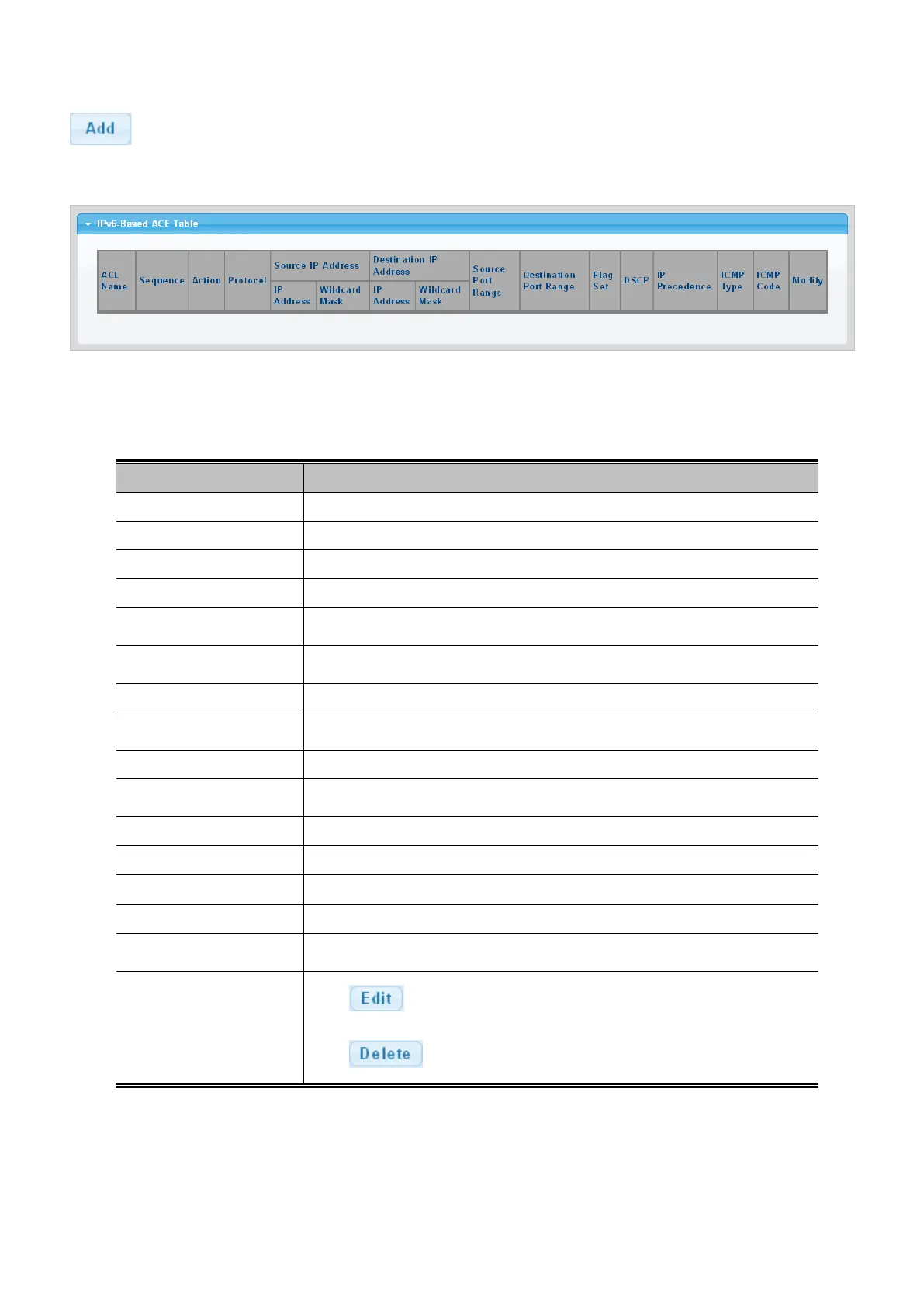
Figure 4-10-12: IPv6-based ACE Table Page Screenshot
The page includes the following fields:
Object Description
• ACL Name
Display the current ACL name.
• Sequence
Display the current sequence.
• Action
Display the current action.
• Protocol
Display the current protocol.
• Source IP Address
Display the current source IP address.
• Source IP Address
Display the current source IP address wildcard mask.
• Destination IP Address
Display the current destination IP address.
• Destination IP Address
Display the current destination IP address wildcard mask.
• Source Port Range
Display the current source port range.
• Destination Port
Display the current destination port range.
• Flag Set
Display the current flag set.
• DSCP
Display the current DSCP.
• IP Precedence
Display the current IP precedence.
• ICMP Type
Display the current ICMP Type.
• ICMP Code
Display the current ICMP code.
• Modify
Click
to edit IPv6-based ACL parameter.
Click to delete IPv6-based ACL entry.



 To Next Page
 Loading...










