User’s Manual of GS-4210-16T2S_24T2S_16P2S_24P2S_48T4S
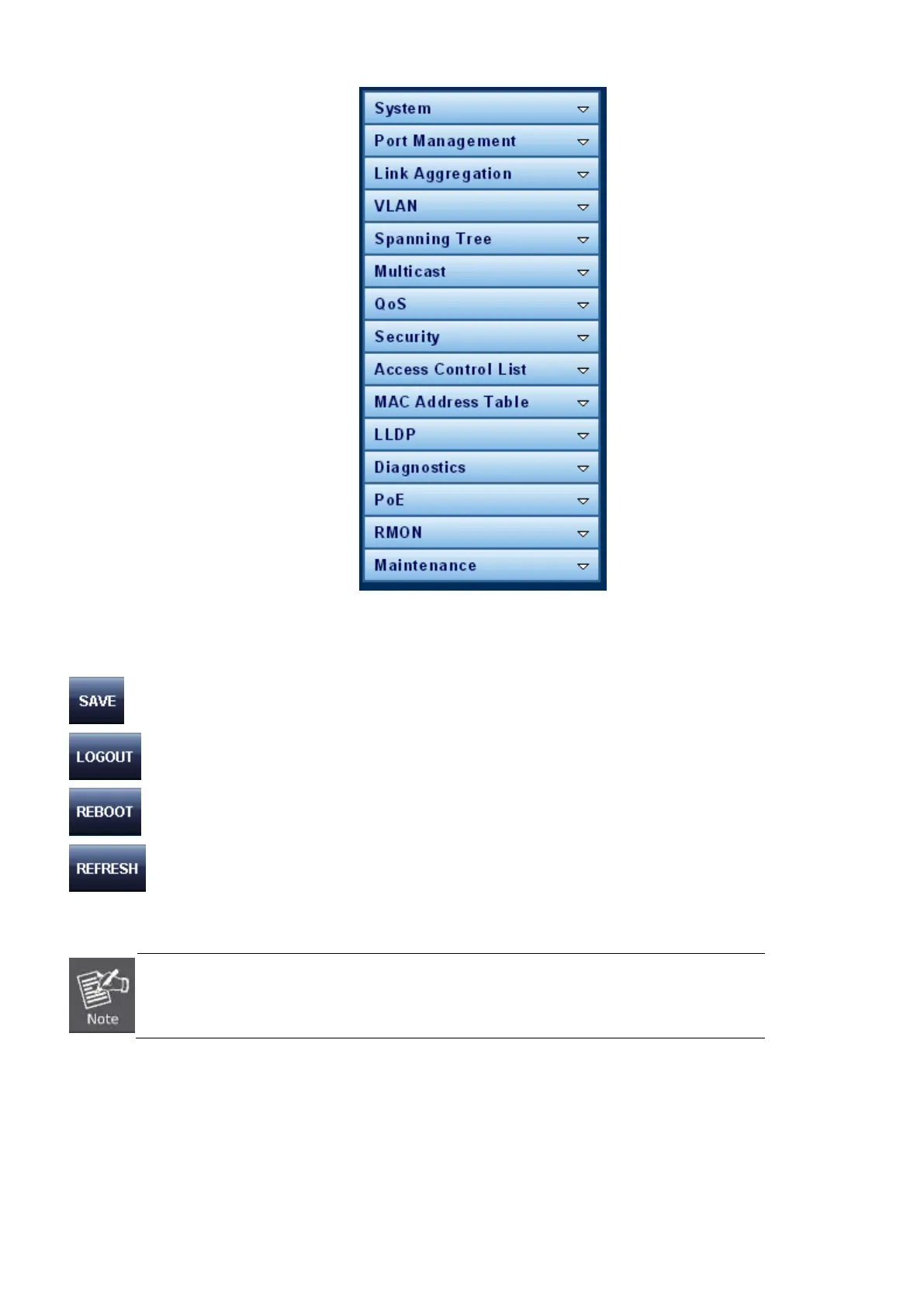
Figure 4-1-5: Managed Switch Main Functions Menu
Buttons
: Click to save changes or reset to default.
: Click to logout the Managed Switch.
: Click to reboot the Managed Switch.
: Click to refresh the page.
The PoE function only available on GS-4210-16P2S and GS-4210-24P2S, the GS-
SERIES does not support this function.



 To Next Page
 Loading...










