User’s Manual of GS-4210-16T2S_24T2S_16P2S_24P2S_48T4S
Button
: Click to apply changes.
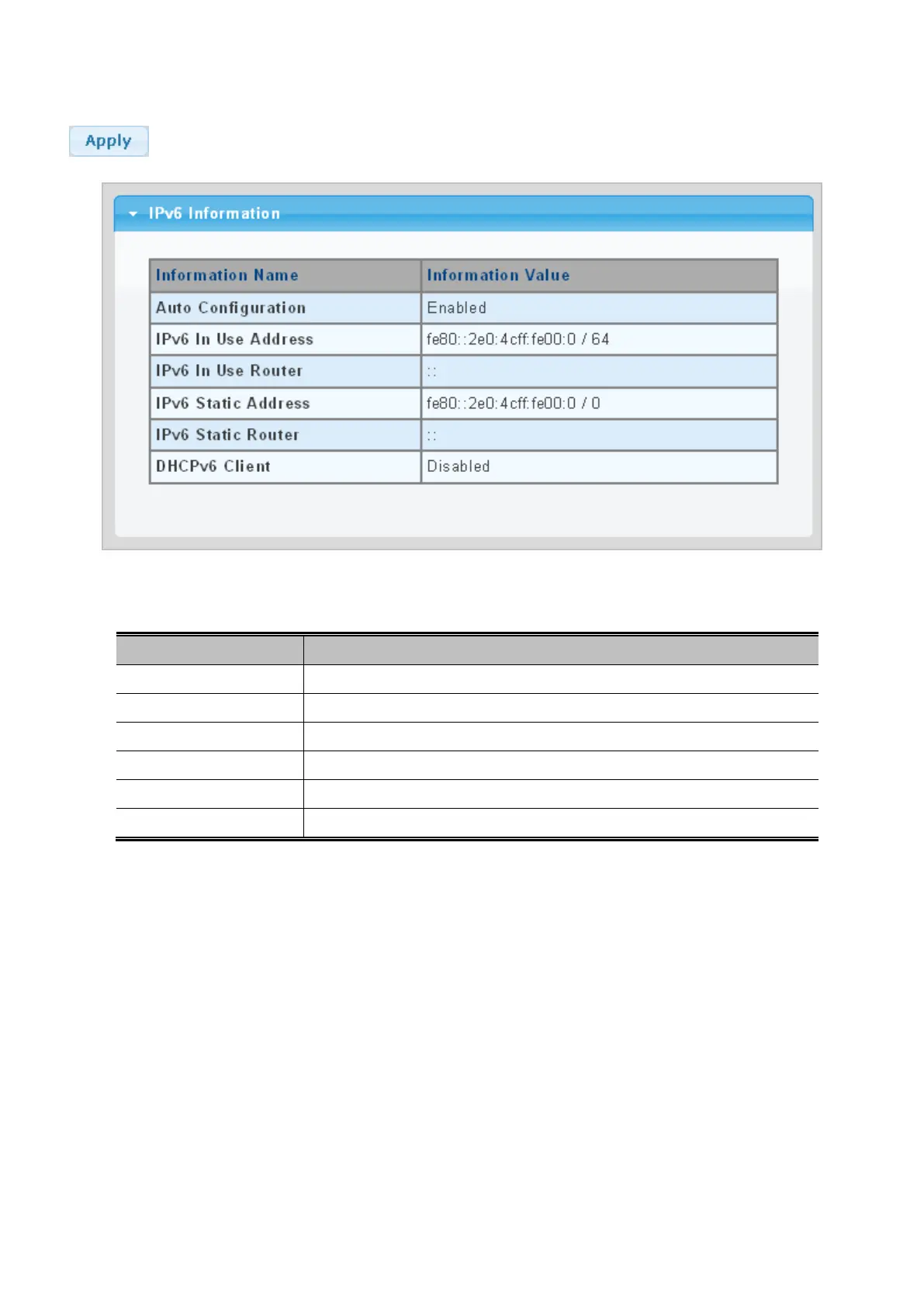
Figure 4-2-5: IPv6 Information Page Screenshot
The page includes the following fields:
Object Description
• Auto Configuration
Display the current auto configuration state.
• IPv6 In Use Address
Display the current IPv6 in-use address.
• IPv6 In Use Router
Display the current in-use gateway.
• IPv6 Static Address
Display the current IPv6 static address.
• IPv6 Static Router
Display the current IPv6 static gateway.
• DHCPv6 Client
Display the current DHCPv6 client status.



 To Next Page
 Loading...










