User’s Manual of GS-4210-16T2S_24T2S_16P2S_24P2S_48T4S
Button
: Click to add a new view entry.
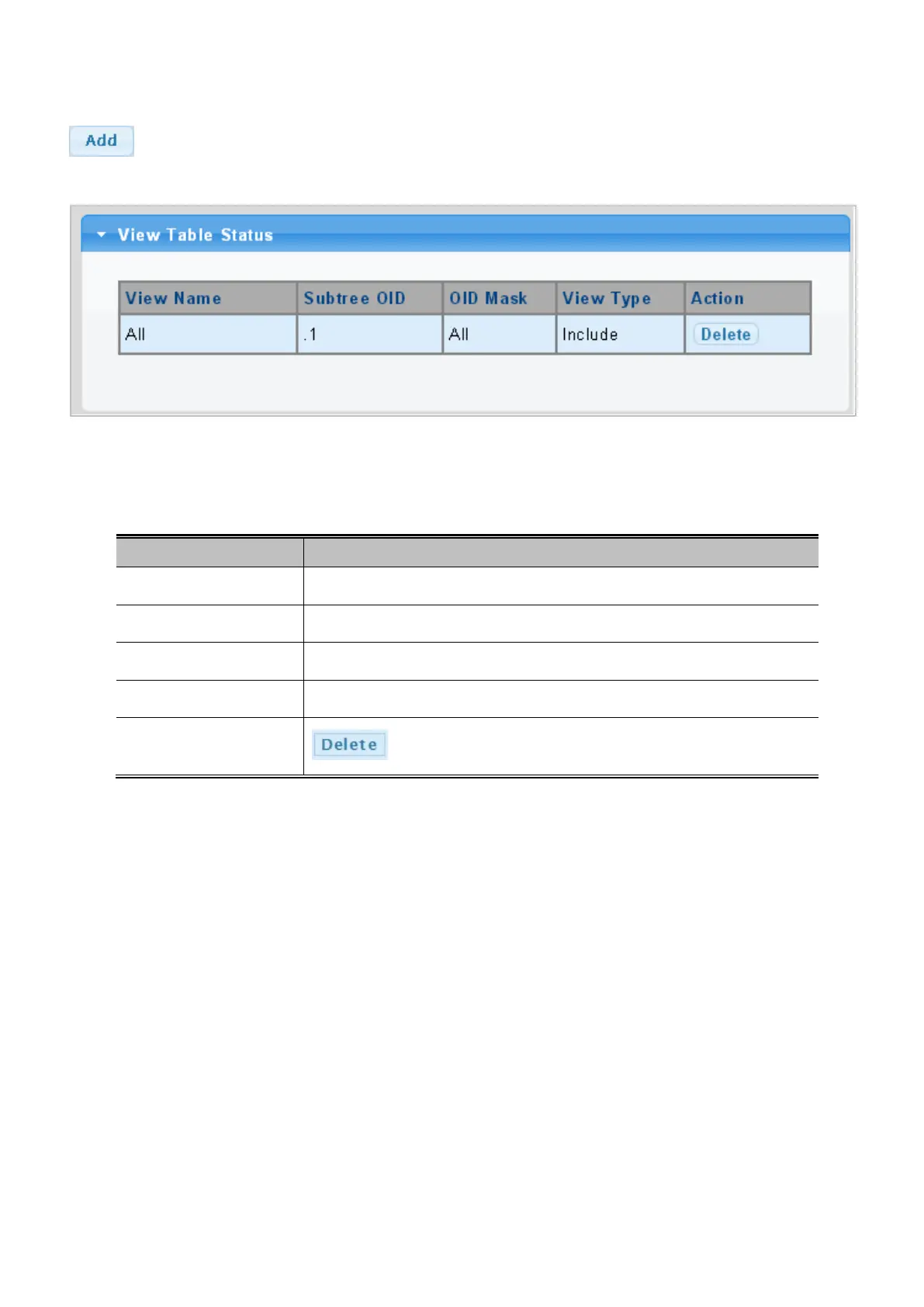
Figure 4-2-24: SNMP View Table Status Page Screenshot
The page includes the following fields:
Object Description
• View Name
Display the current SNMP view name.
• Subtree OID
Display the current SNMP subtree OID.
• OID Mask
Display the current SNMP OID mask.
• View Type
Display the current SNMP view type.
• Action
: Delete the view table entry.



 To Next Page
 Loading...










