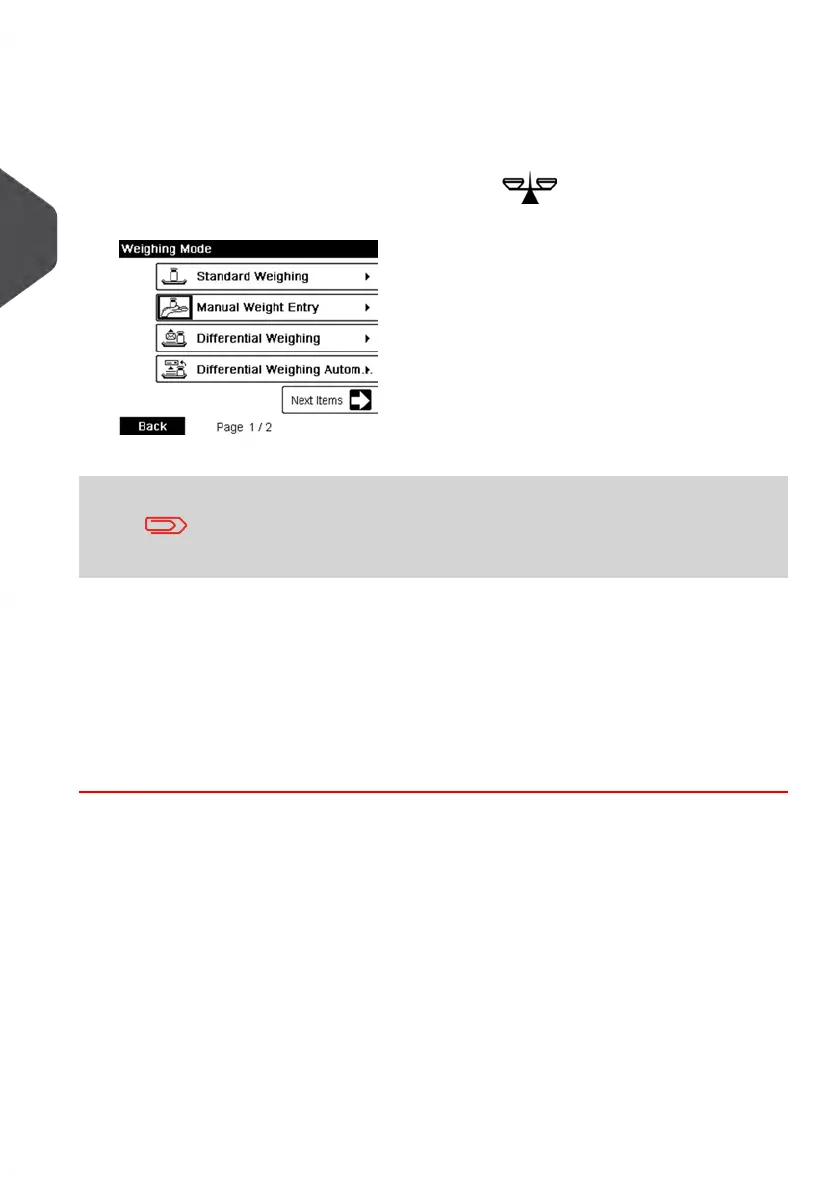
5. Select a Weighing Mode.
Depending on the quantity and type of mail you have to process, you can choose an
efficient weighing method that uses the weighing platform to save time: see Choosing
a Weighing Mode on page 72.
To change the current weighing mode, press and select a weighing mode
in the Weighing Mode screen.
For more details, see How to Change the Weighing Mode on page 74.
If the WP automatic selection is activated (see Weighing Platform
Automatic Selection on page 167), you can change, from the home
screen, the weighing mode to Standard Weighing (WP) by putting
a mail piece on the Weighing Platform.
You can also apply the following optional setting(s):
1. Move the impression away from the envelope edge for thick envelopes: see How
to Move the Meter Impression (Print Offset) on page 79.
2. Seal envelopes using the feeder sealer: see Using the Sealing Function on page
80.
You are now ready to print.
40
| Page 40 | Jan-13-2017 10:45 |
3
Processing Mail















 To Next Page