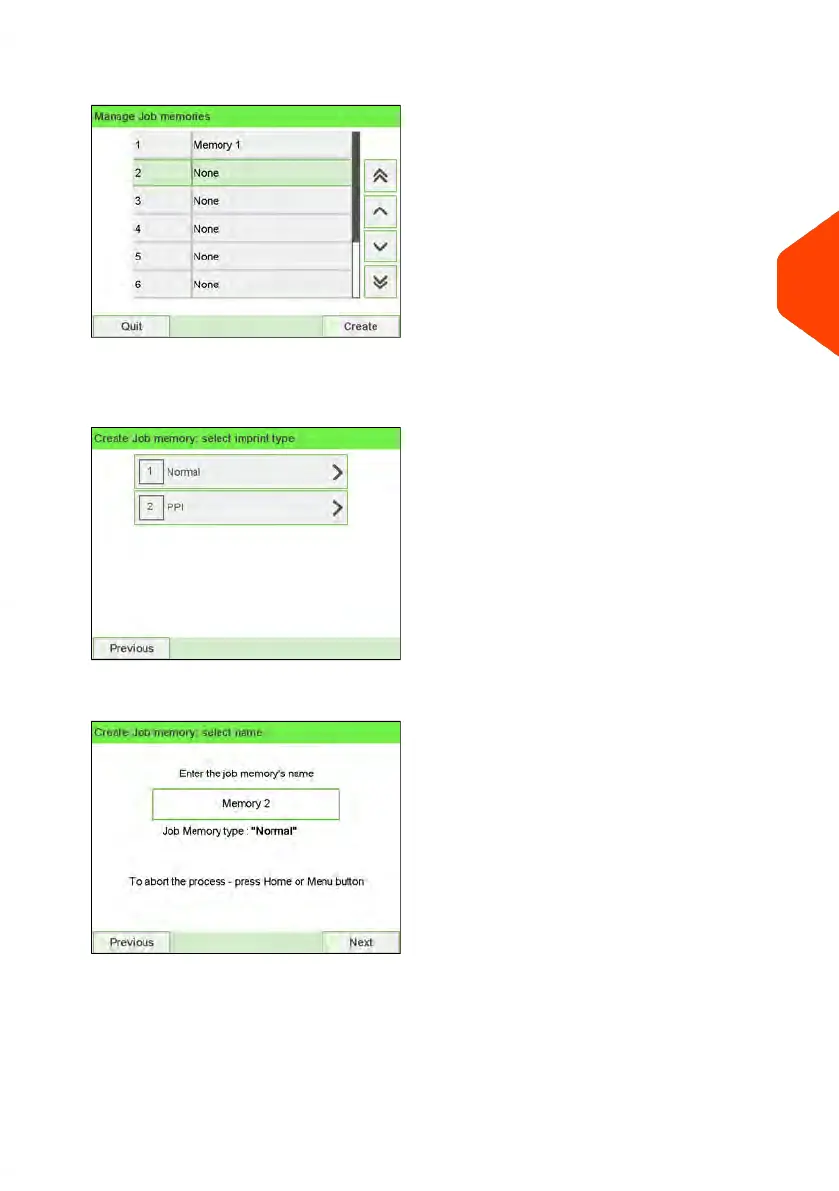
2. Select a line named None in the list.
3. Press [OK] to create a new job memory.
4. Select a PPI or a Normal job.
5. Enter the name of the new job memory, then press [OK].
6. Enter the preferences, press [OK] to validate and display the next list of parameters,
if any.
7. Repeat the previous step until the system displays the name of the new job memory
in the list.
4
Imprints
113
| Page 113 | Jun-22-2021 11:01 |















 To Next Page