Generating a Report8.1
To generate a report, select the desired report, and choose how you want to display
or record the report:
• On screen
• On an external printer (if any)
• On a label
• On a USB memory key
How to Generate a Report
To generate a Report (as a User):
1. As a user:
Press and select the path: Reports
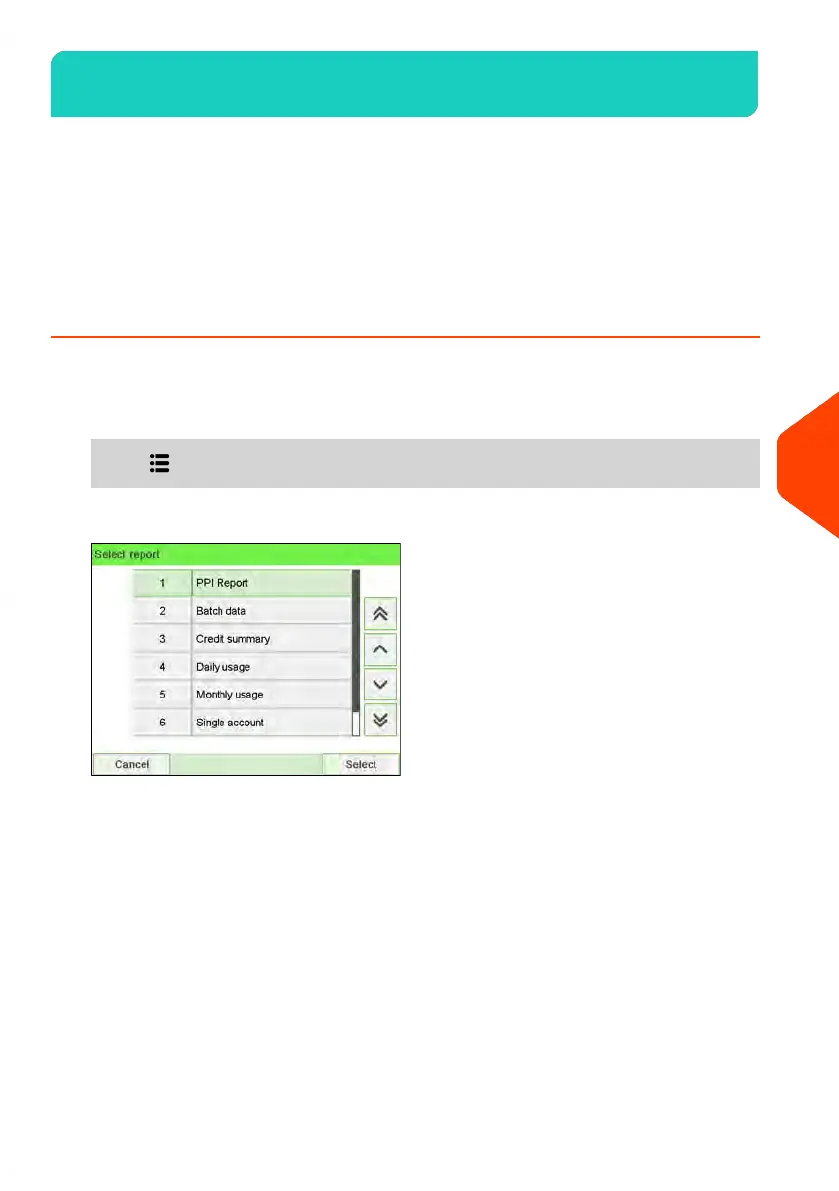
2. A list of available report types is displayed.
3. Select the report type and press [OK].
201
| Page 201 | | Jun-22-2021 11:01 |
8
Reports















 To Next Page