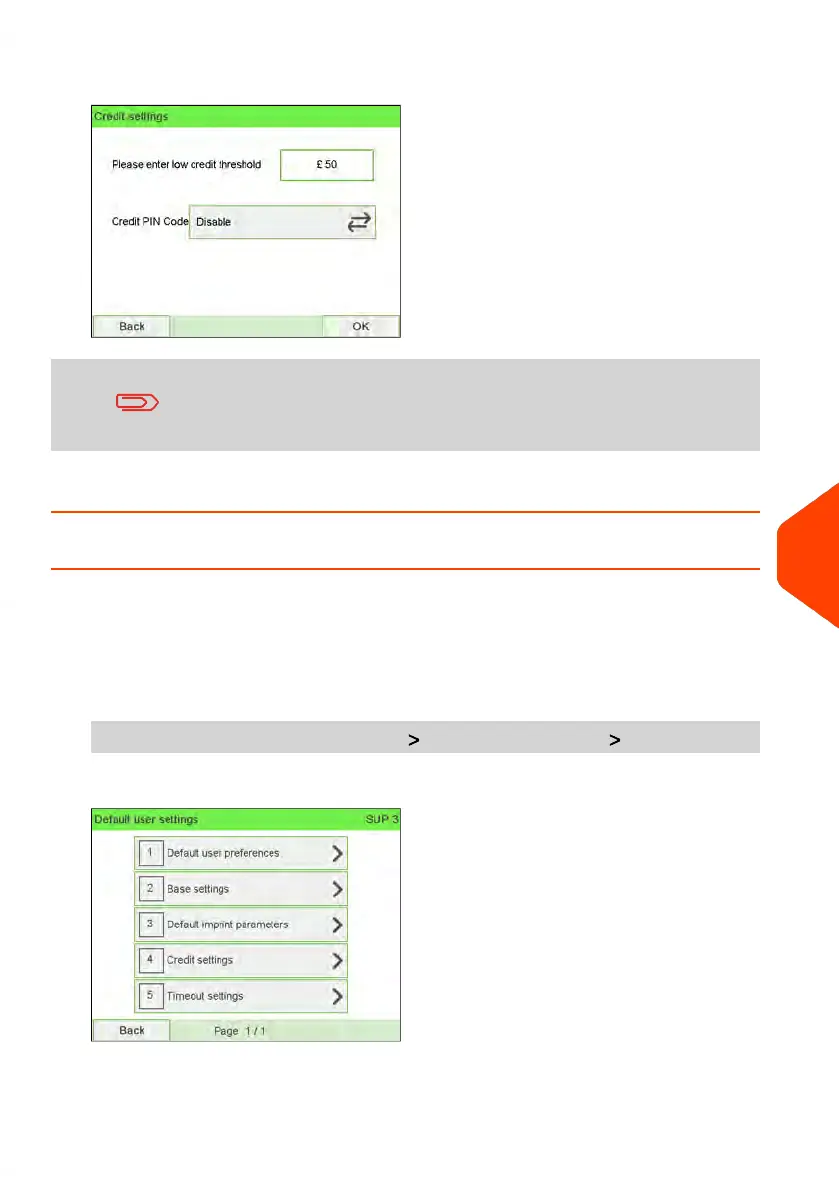
2. Enter the low-credit warning amount or press [C].
If you enter 0, a message is displayed "Zero amount not
allowed."
3. Press [OK] to validate.
How to Set/Cancel a Crediting PIN Code
You can create a crediting PIN code to control access to only those who are authorised
to add credit (see Money Operations on page 119).
To set a crediting PIN code:
1. As supervisor (see How to Log in as Supervisor on page 241):
From the main menu, select the path: Default user settings Credit settings
10
Configuring your Mailing System
253
| Page 253 | Jun-22-2021 11:01 |















 To Next Page