Connection Settings10.10
How to Set the Postal/Online Services Connection
To add credit or access Online Services, the Mailing System can
access the Internet through a high speed LAN (Local Area
Network).
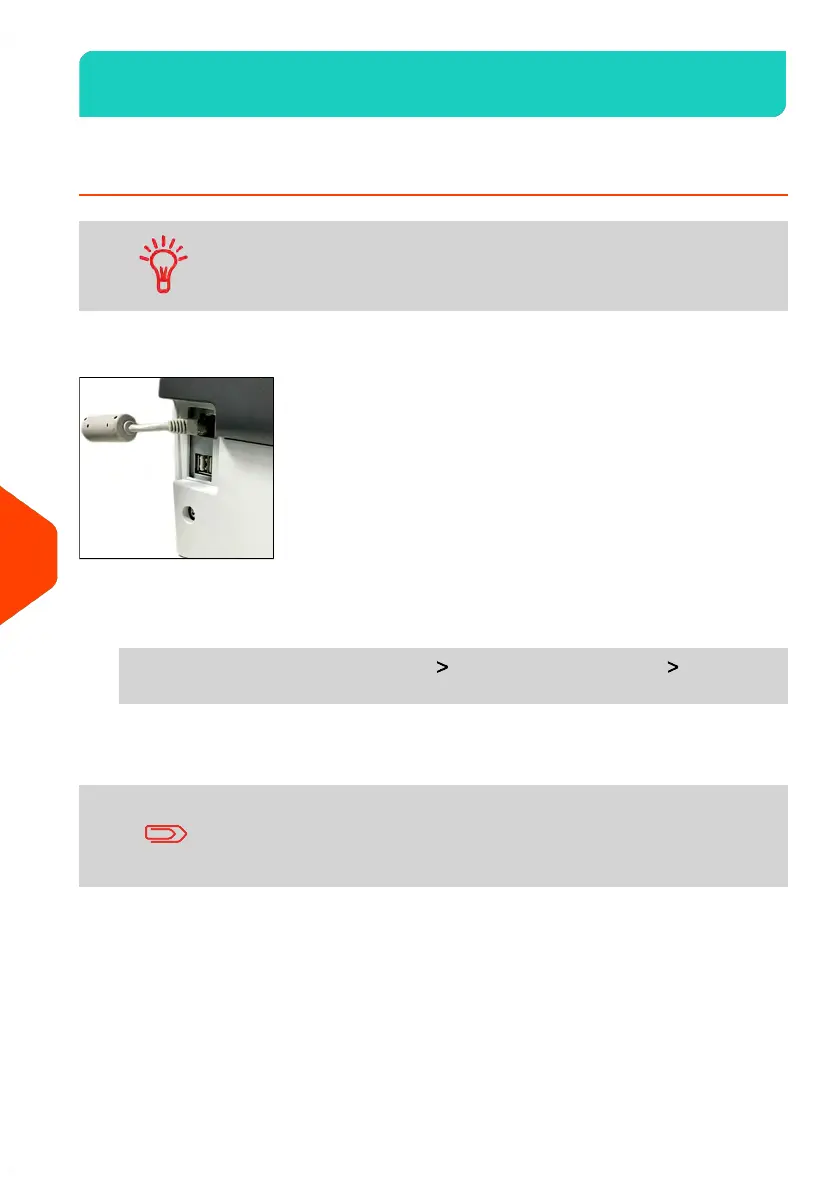
LAN settings can only be performed if the machine was actually connected to the LAN
at power-up.
To set the postal/Online Services connection:
1. As supervisor (see How to Log in as Supervisor on page 241):
From the main menu, select the path: Communication settings Type of
connection
The Server Access screen is displayed.
If you did not have the LAN plugged into the system, you will
get a warning message.
Please follow the message: check your communication cable or
device and press OK.
284
| Page 284 | Jun-22-2021 11:01 |
10
Configuring your Mailing System















 To Next Page