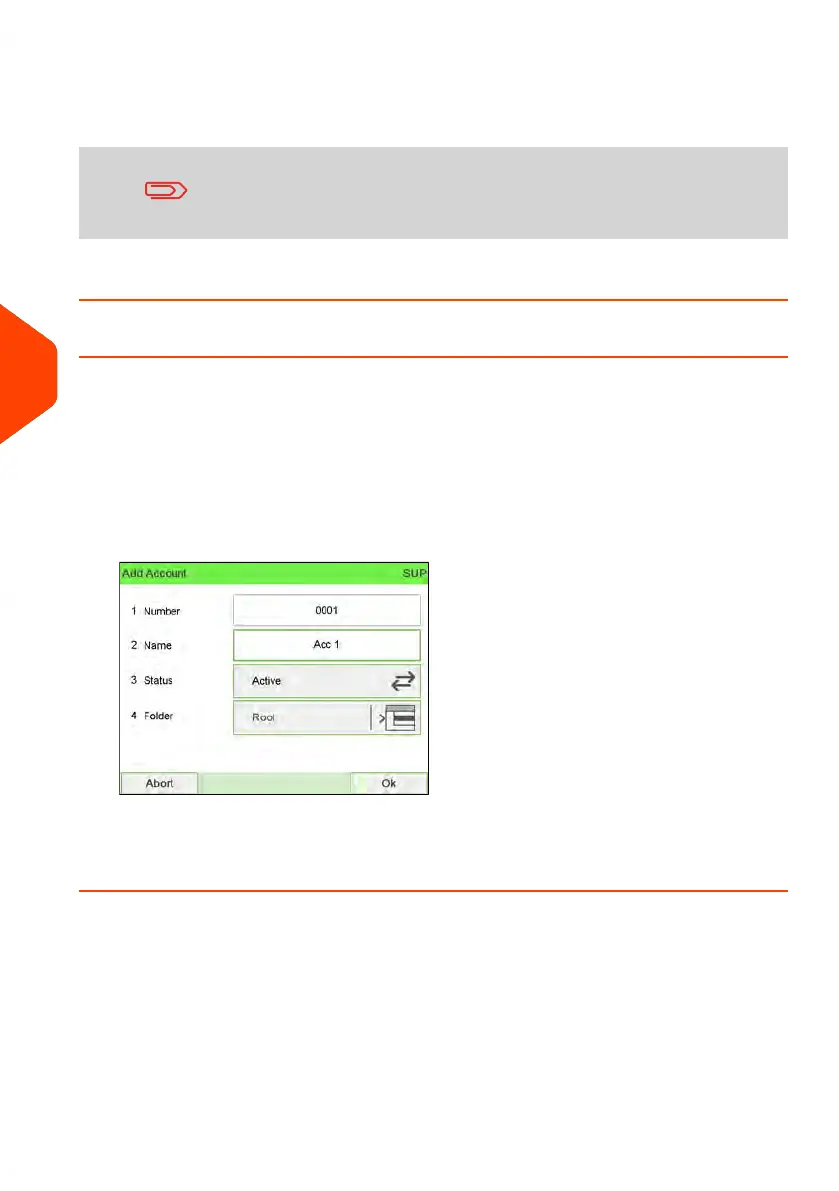
4. Select each parameter and change it using the keypad (use key [C] to clear
characters), and then press [OK].
The Account modification summary screen is displayed.
The Budget and Surcharge parameters are only available when
Advanced Reporting option is activated. See Budget and
Surcharge Preferences on page 219.
5. Press [OK] to accept the changes.
How to Activate / Deactivate an Account
This function allows you to create accounts in advance and prevent them being used
before your account structure is complete.
To activate or deactivate an account:
1. Perform procedure How to View/Edit Account Information on page 155.
2. Change the account status (the button displays the current status: active or
inactive) and press [OK].
3. Accept the changes by pressing [OK] (on the Account modification summary).
If an account is deactivated it is no longer visible to the operator.
156
| Page 156 | Jun-22-2021 11:01 |
6
Accounts and Access Control















 To Next Page