High Value Warnings5.5
How to Set the High-Value Warning Amount
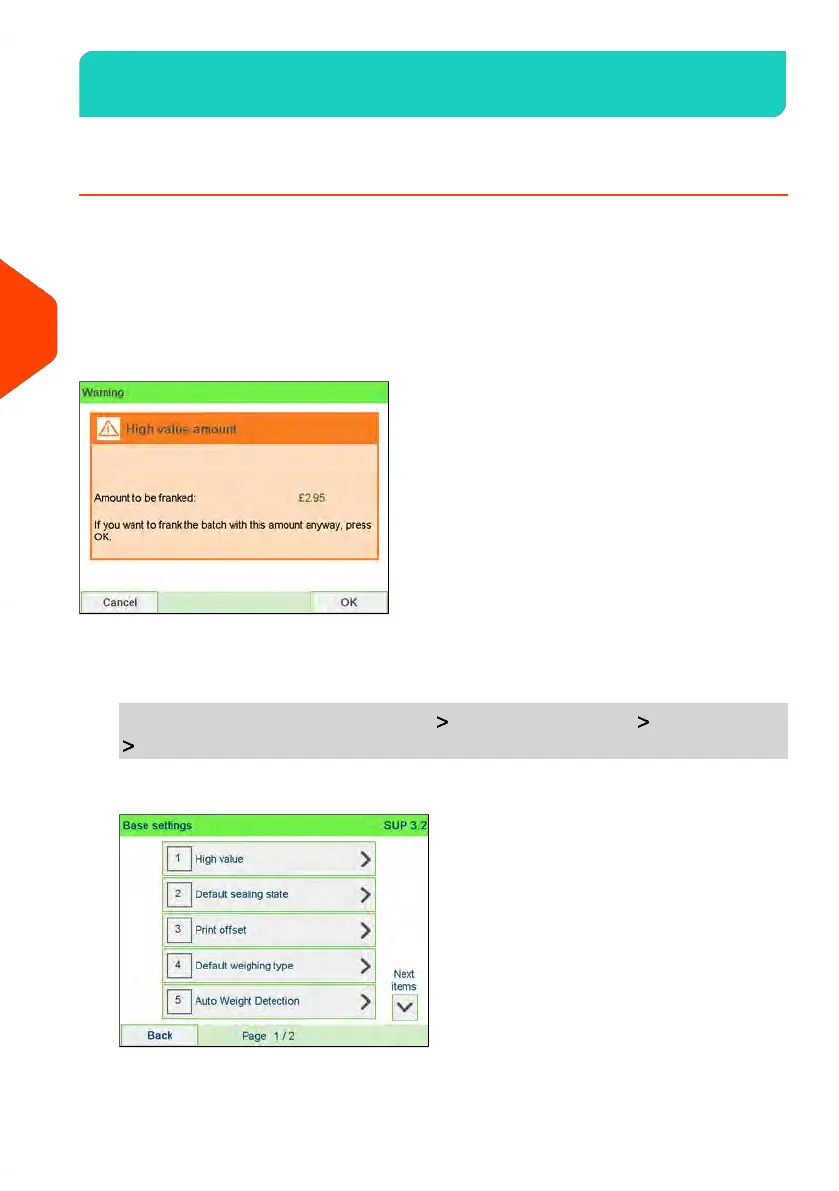
A High Value Warning message warns the user the postage amount that they have
entered is higher than a preset value. This high-amount warning prevents the user
from accidentally printing high postage amounts.
• Example: £4.80 instead of £0.48.
The Supervisor can set the mailing machine to display a warning message when the
High Value Warning amount is exceeded. If you do not have Supervisor access, contact
your Supervisor to set the High Value Warning.
To set a high-value warning amount:
1. As supervisor (see How to Log in as Supervisor on page 241):
From the main menu, select the path: Default user settings Base settings
High value
130
| Page 130 | Jun-22-2021 11:01 |
5
Money Operations















 To Next Page