Testing the Connection to Online Services9.3
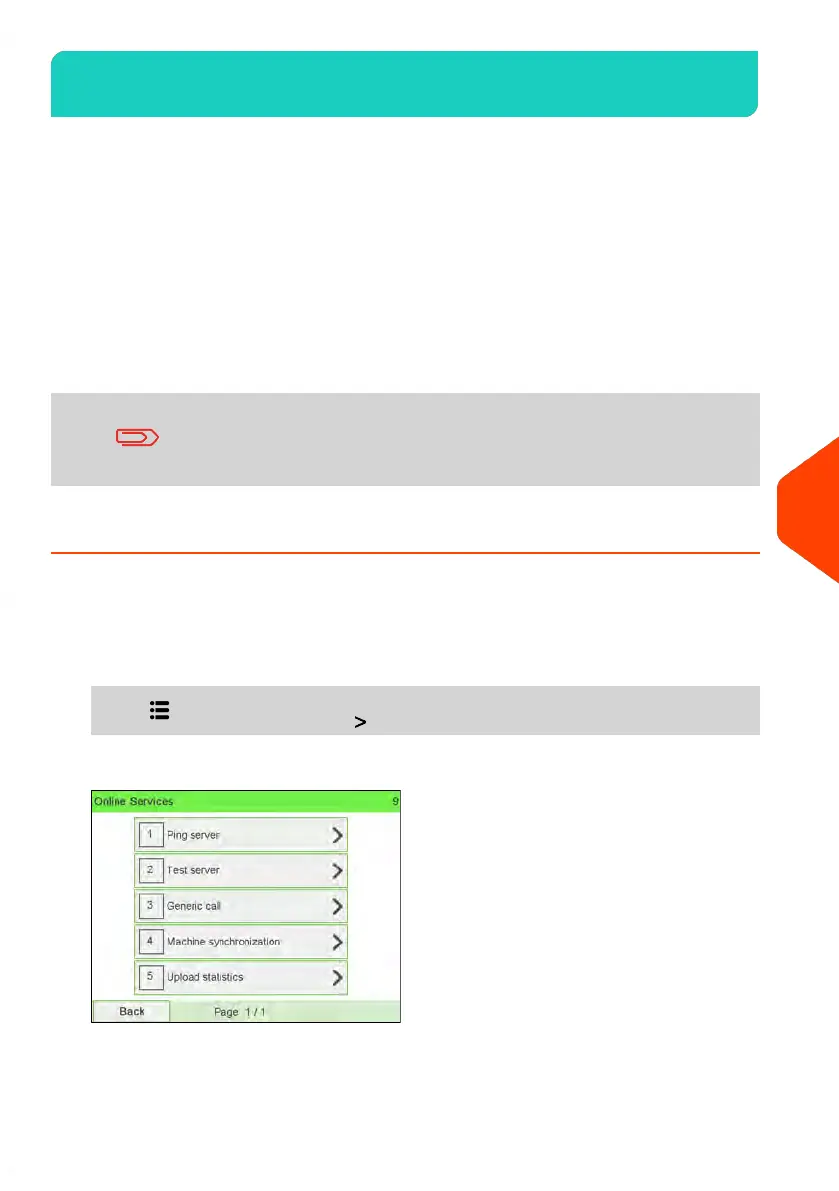
You may test the connection to the Online Services server via the commands in the
Online Services menu:
• Ping server
Establishes a connection and checks whether the server answers to a 'ping'
command. This test:
- Validates connection parameters (see Connection Settings on page 284).
- Indicates that the server can be contacted.
• Test server
Establishes a connection and tests the communication dialog with the server.
This test indicates that transactions can be held normally.
Test server is a bandwidth test and should only be undertaken
after a request from Customer Service.
Ping Server Diagnostic Test
Sends a message to a server (if connected) to check the line.
To ping the server (as a User):
1. From the home screen:
Press and select the path: Online Services
2. Select Ping Server from the list displayed on the screen.
231
| Page 231 | | Jun-22-2021 11:01 |
9
Online Services















 To Next Page