How to Add Credit to the PSD
In order to print postage, credit need to be purchased and loaded onto the mailing
machine using the credit server.
• Credit must be available in your Customer Account on the server for download.
• If it is credit account, a bill for all credit loaded on the mailing machine will be
sent.
As supervisor, you can set the mailing system to ask for a PIN code for adding credit.
• The mailing machine may prompt for a PIN code depending on user settings.
Enter the PIN code using the numeric keypad and press "OK".
• The mailing machine has to connect to LAN to perform this process.
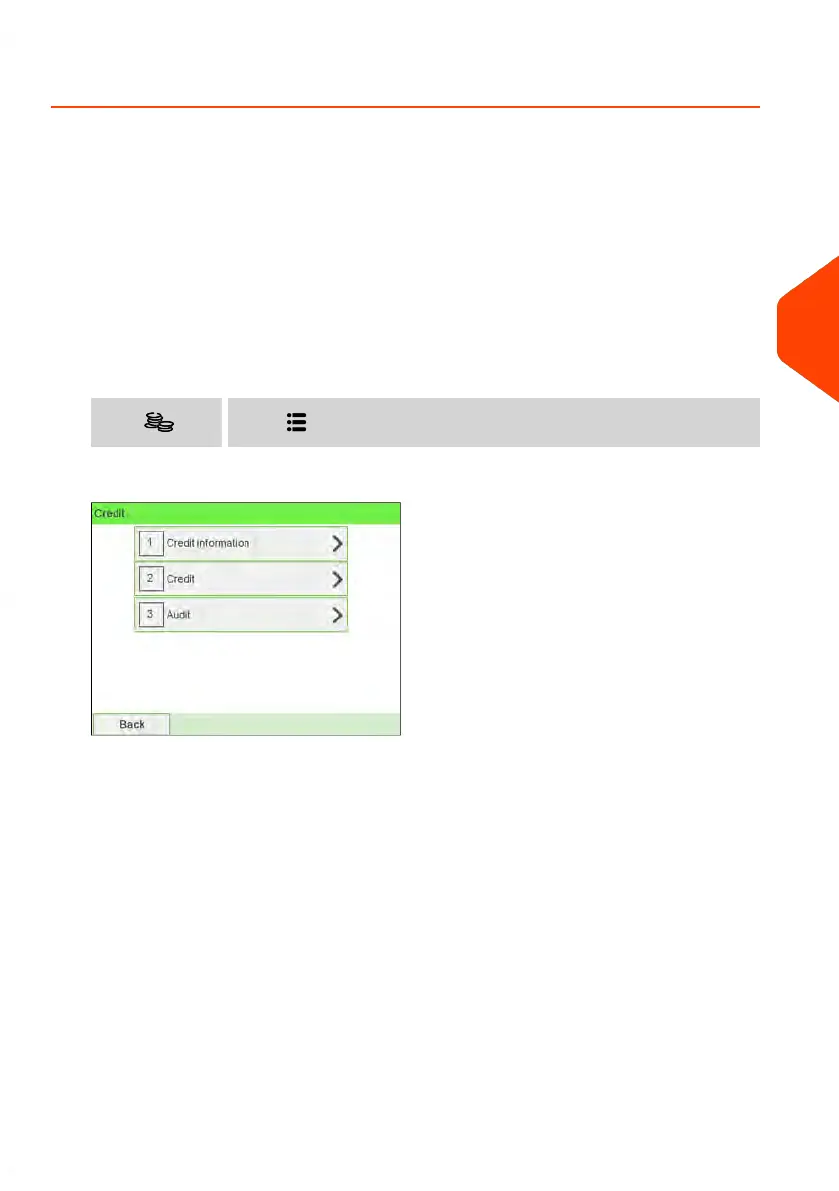
To add credit to the PSD:
1. Either:
Press and select the path: CreditPress or
2. Select Credit.
5
Money Operations
123
| Page 123 | Jun-22-2021 11:01 |















 To Next Page