3. If the system asks for a PIN code, enter the code using the keypad and press [OK].
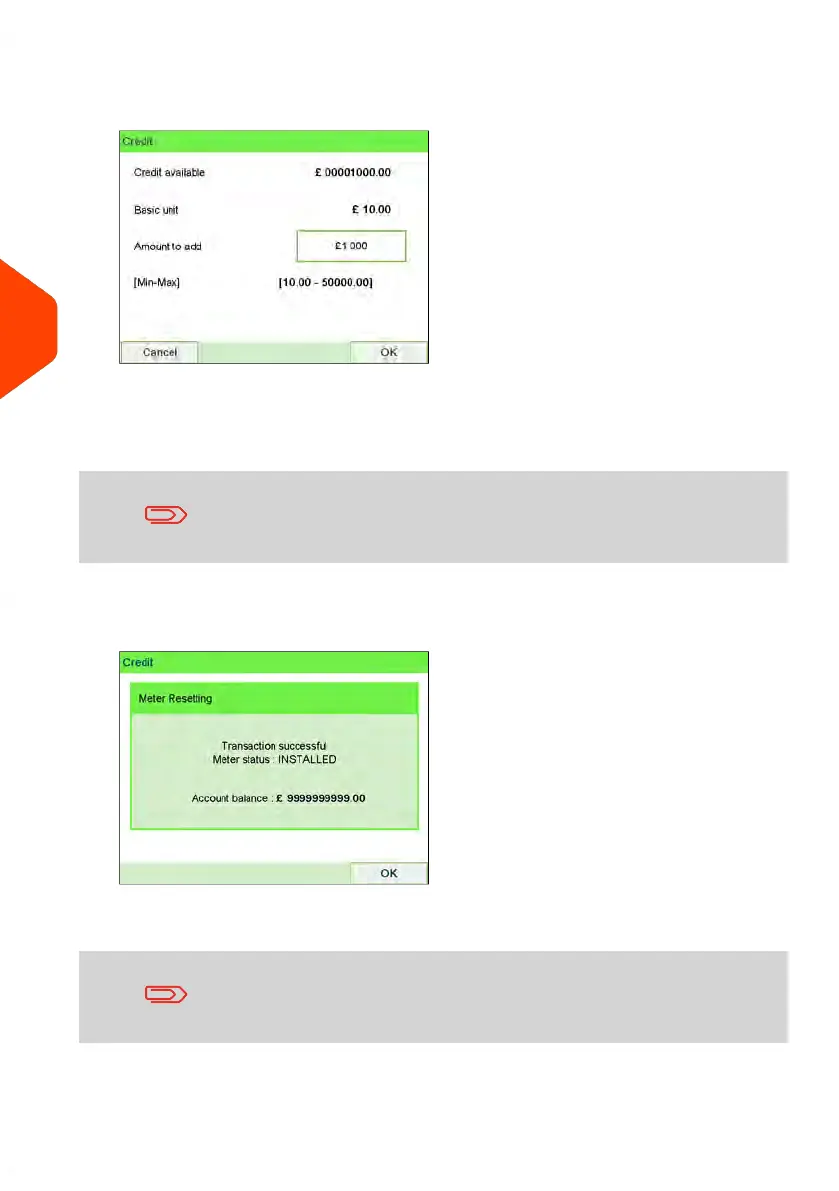
The Credit Screen is displayed.
By default, the system displays the value of the previous transaction.
4. Enter the amount of credit to add using the keypad (use C to clear a digit, press
C twice to clear the field).
The amount must be in the range of Minimum reset amount and
Maximum reset amount.
5. Press [OK] to start the connection to the Postal Server.
If the crediting process is successful, the system displays a successful message.
If crediting fails, the system displays a failure message and the amount that you
may actually add, depending on your postal account balance.
In the case of a communication error, the amount previously
entered cannot be changed. Check connection settings (see
Connection Settings on page 284).
124
| Page 124 | Jun-22-2021 11:01 |
5
Money Operations















 To Next Page