Options and Updates Process11.1
You can update your Mailing System by:
• Adding new options, such as Differential Weighing, Advanced Reporting or
increasing the maximum number of accounts
• Update postal Rates and Prepaid Postal Imprints (PPI's)
• Downloading custom Slogans or ERAs
To update your Mailing System's operating system, see Online
Services on page 223.
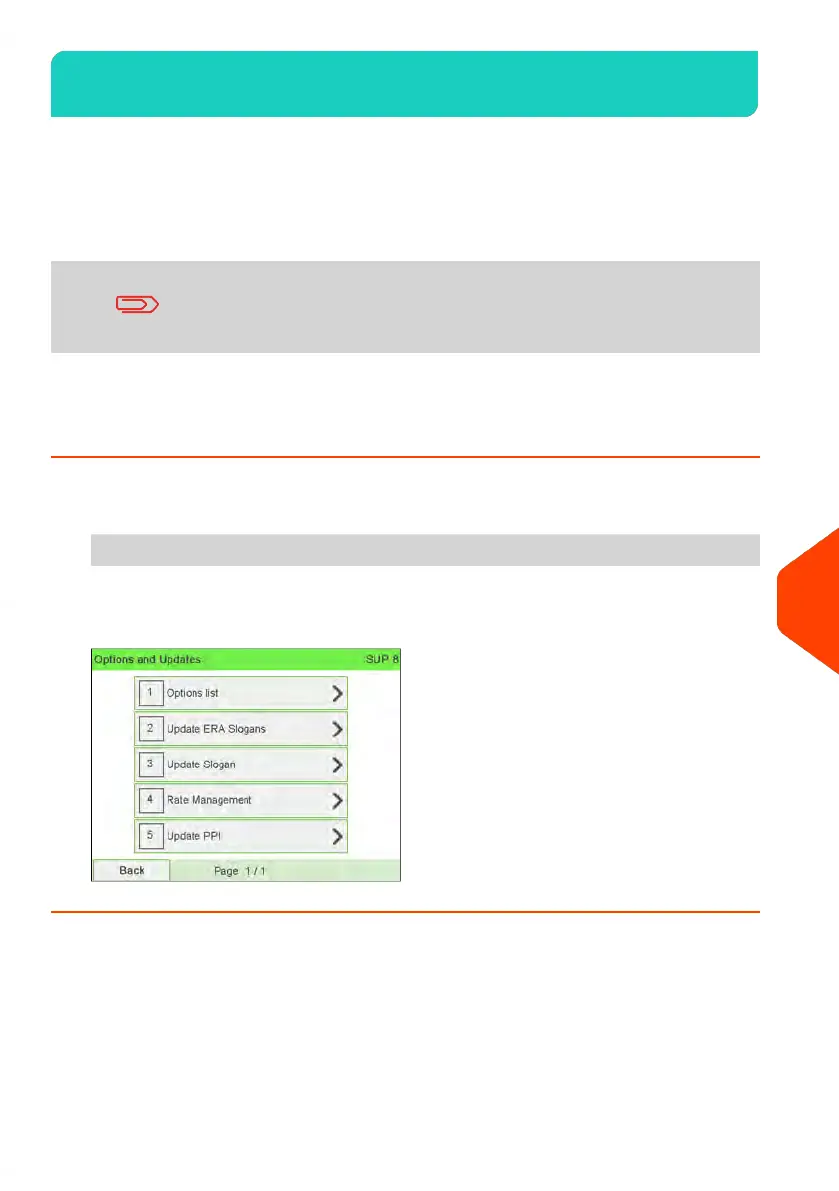
The operations above are available through the supervisor menu Options and Updates.
How to Access the Options and Updates Menu
1. As supervisor (see How to Log in as Supervisor on page 241):
From the main menu, select the path: Options and Updates
The Options and Updates menu is displayed.
295
| Page 295 | | Jun-22-2021 11:01 |
11
Options and Updates















 To Next Page