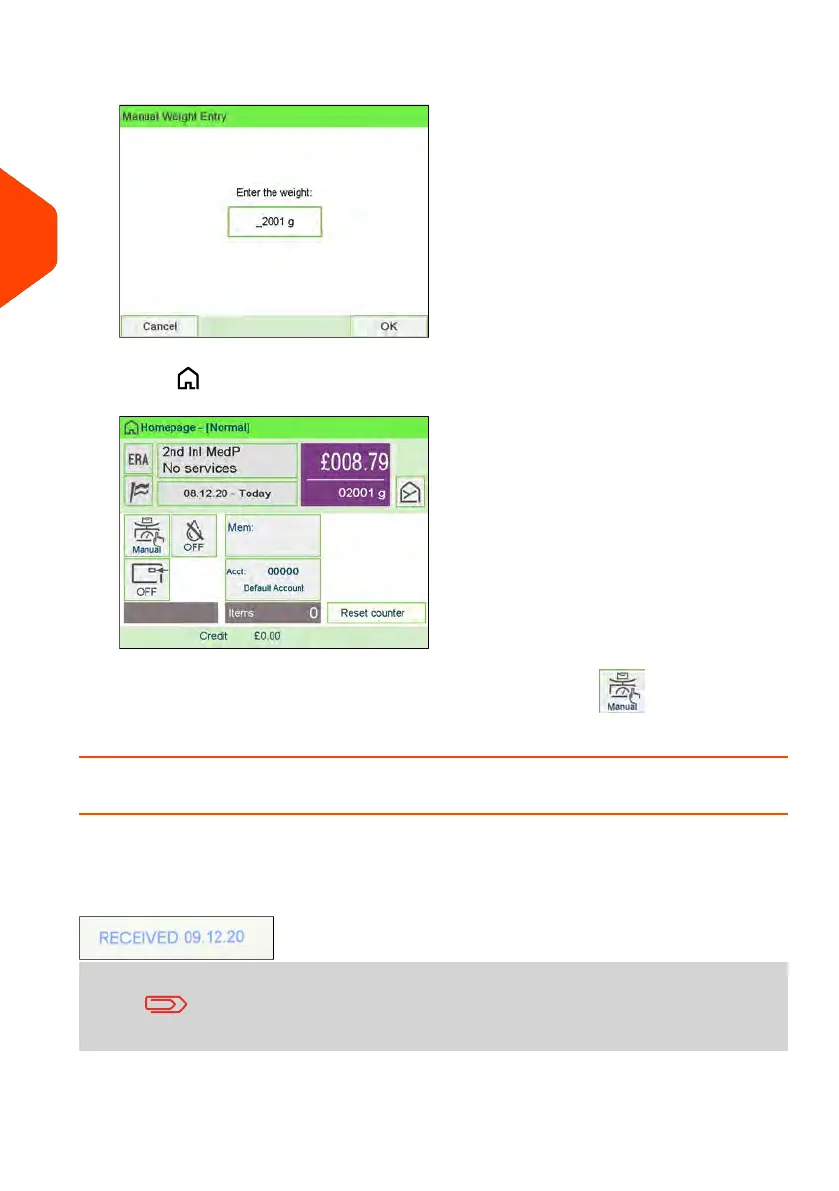
4. Enter the weight (in g) and press [OK] to validate.
5.
Press to return to the home screen.
The home screen displays the Manual Weight Entry icon ( ) and the weight
entered.
How to Set [Received] Mode printing
This section describes how to use the [Received] type of imprint, to:
• Print the date on incoming mail.
• Print 'Received' on incoming mail.
You must begin with selecting the Type of imprint to gain access
to the corresponding parameters and be able to run mail.
Required settings:
54
| Page 54 | Jun-22-2021 11:01 |
3
Processing Mail















 To Next Page