Synchronise Call
This type of call should only be done on a request from your Customer Service.
This call updates the automatic call schedule of the machine and the features/options.
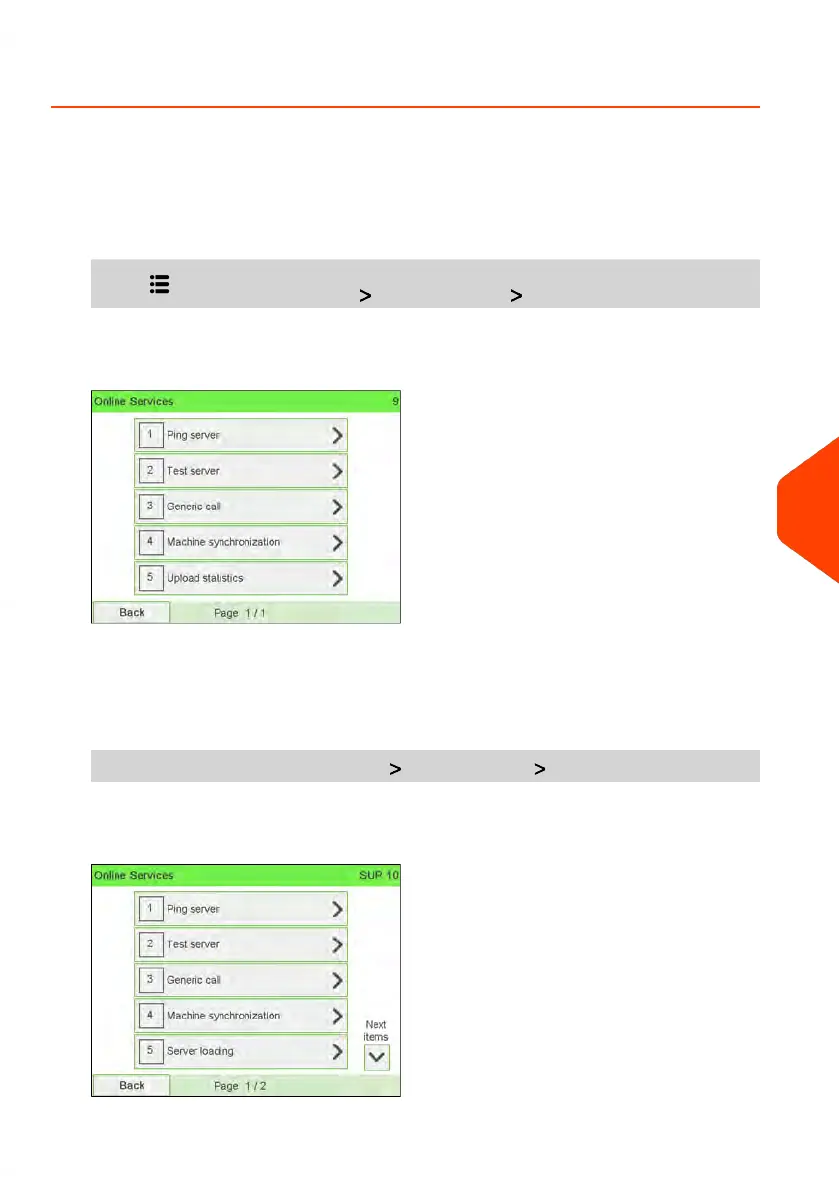
To trigger a Synchronise call (as a User):
1. From the home screen:
Press and select the path: Online services Machine synchronisation
The Mailing System connects to the server and updates.
2. Call is complete.
To trigger a Synchronise call (as Supervisor):
1. As supervisor (see How to Log in as Supervisor on page 241):
From the main menu, select the path: Online services Machine synchronisation
The Mailing System connects to the server and updates.
9
Online Services
229
| Page 229 | Jun-22-2021 11:01 |















 To Next Page