Display Settings10.3
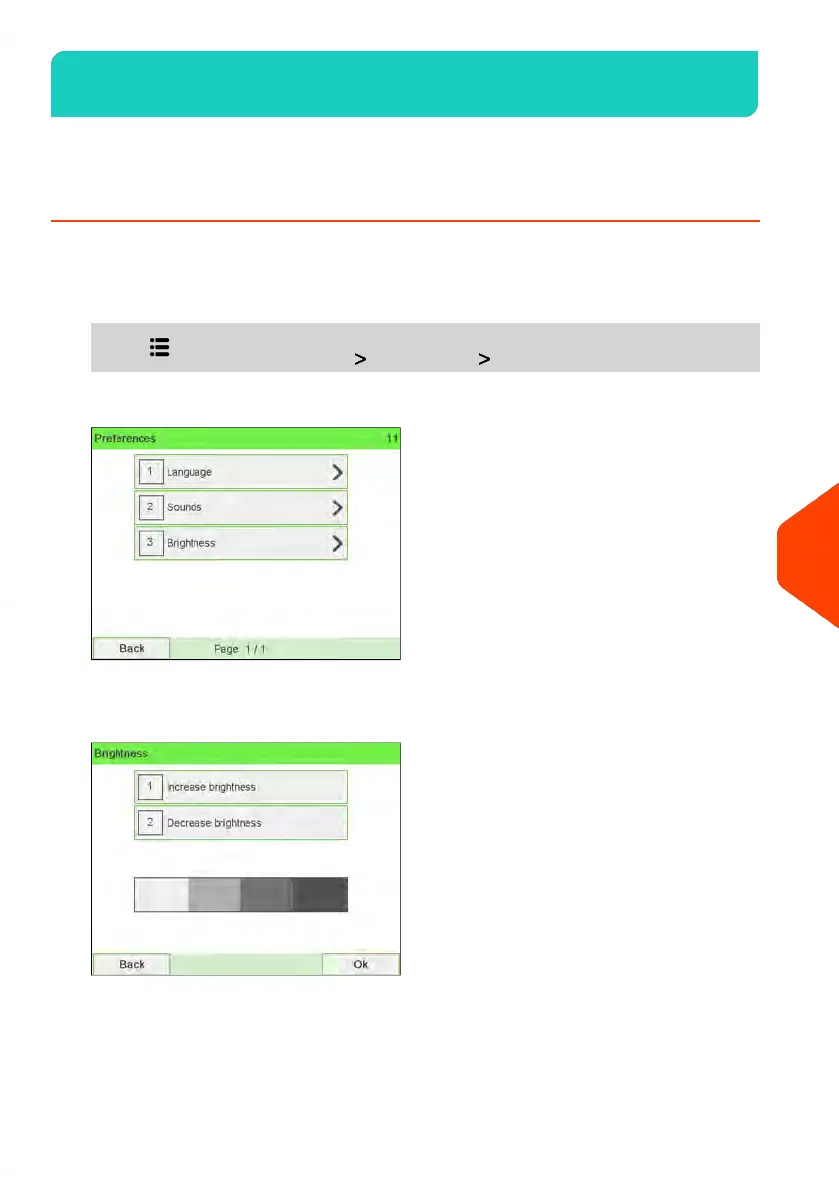
You can adjust the brightness of the display for bright or dark working environments.
How to Adjust the Display Brightness
To adjust the display brightness:
1. As a user:
Press and select the path: Preferences Brightness
2. Touch the Increase brightness / Decrease brightness button to increase or
decrease the brightness. The screen updates immediately.
243
| Page 243 | | Jun-22-2021 11:01 |
10
Configuring your Mailing System















 To Next Page