3. Press [OK] to exit.
This is a user setting that only lasts as long as you are logged
in.
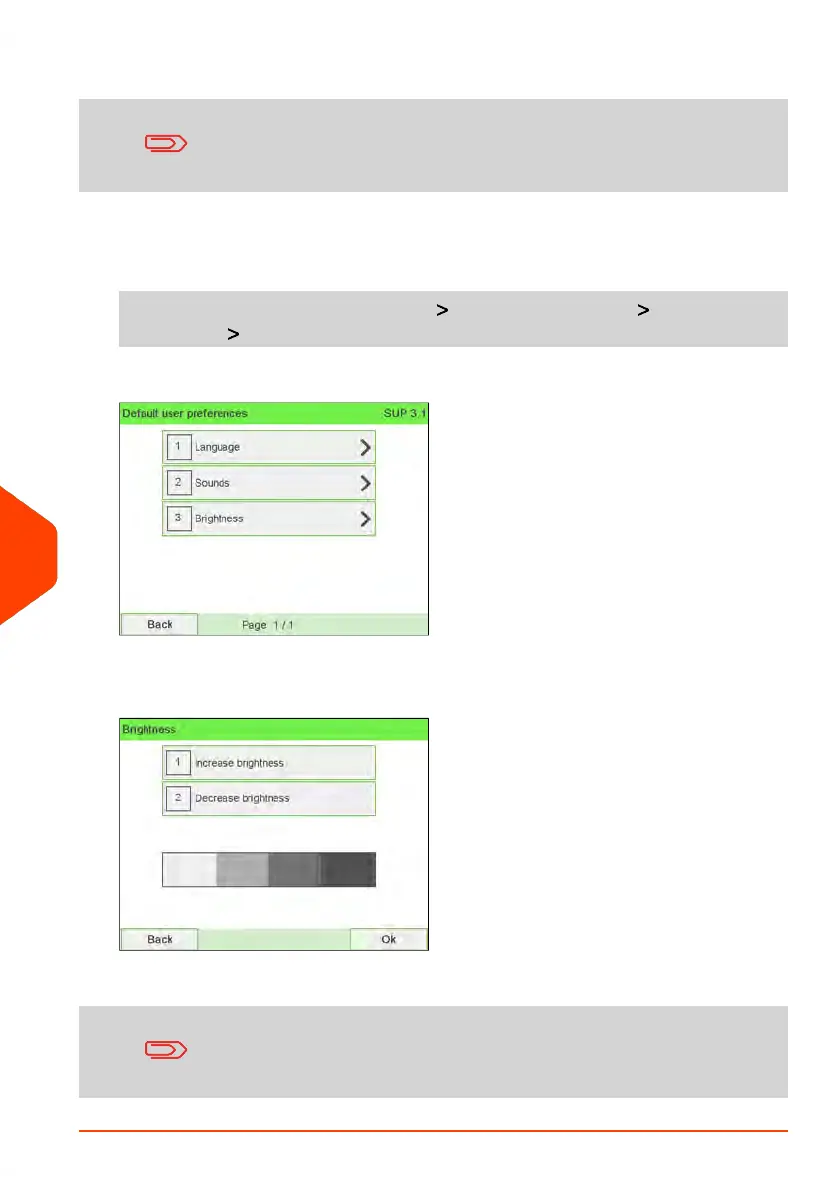
To set the default brightness:
1. As supervisor (see How to Log in as Supervisor on page 241):
From the main menu, select the path: Default user settings Default user
preferences Brightness
2. Touch the Increase brightness / Decrease brightness button to increase or
decrease the brightness. The display updates to the new setting.
3. Press [OK] to validate.
Do not press [OK] if the screen brightness is completely light or
dark. Readjust the brightness so the screen is visible, then press
[OK].
244
| Page 244 | Jun-22-2021 11:01 |
10
Configuring your Mailing System















 To Next Page