8. You can modify any preference by using the Edit/Del function (see How to
Edit/Modify a Job Memory on page 279).
How to Edit / Modify a Job Memory
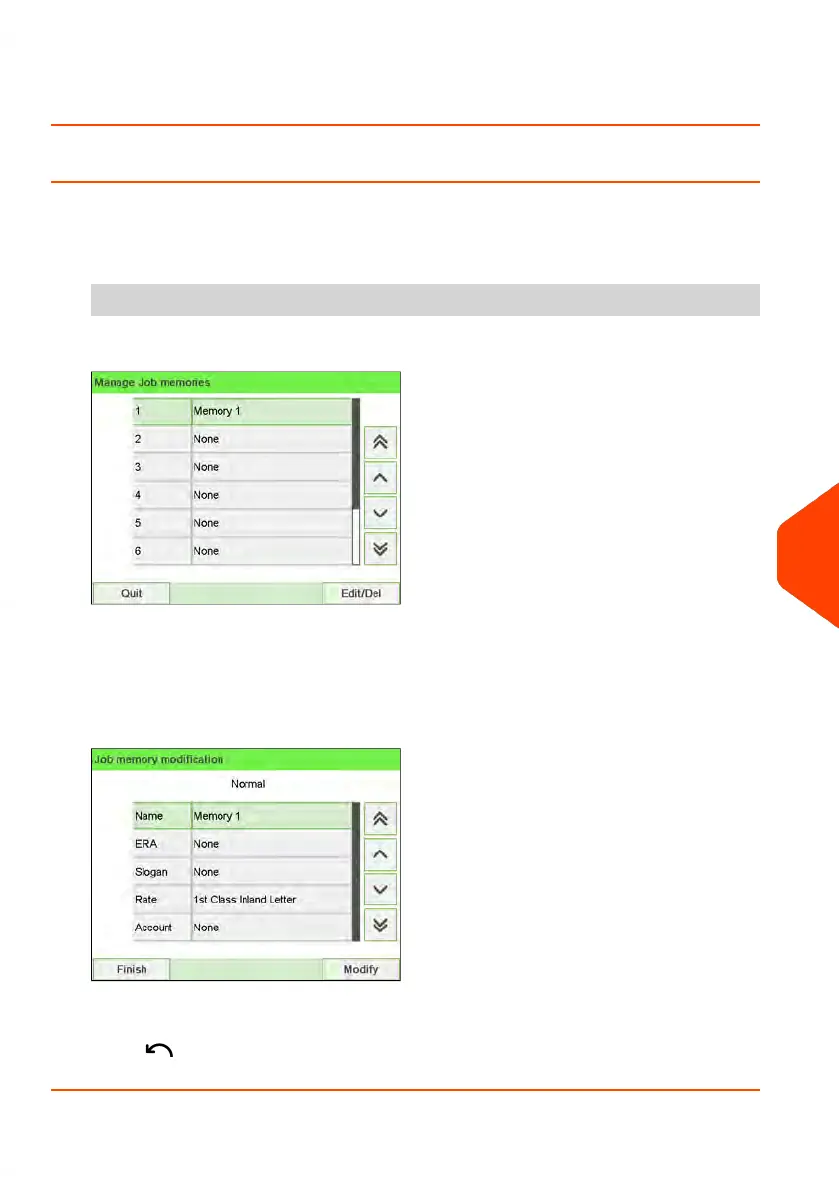
To edit or modify a job memory:
1. As supervisor (see How to Log in as Supervisor on page 241):
From the main menu, select the path: Job Memory management
2. Select a job memory from the list displayed on the screen.
3. Press [OK] to validate.
4. Select the menu path Edit.
The Job memory modification screen is displayed.
5. Use the arrows to select the preferences, then press [OK] to modify the parameters.
6.
Press to exit.
10
Configuring your Mailing System
279
| Page 279 | Jun-22-2021 11:01 |















 To Next Page