How to Display the List of ERAs
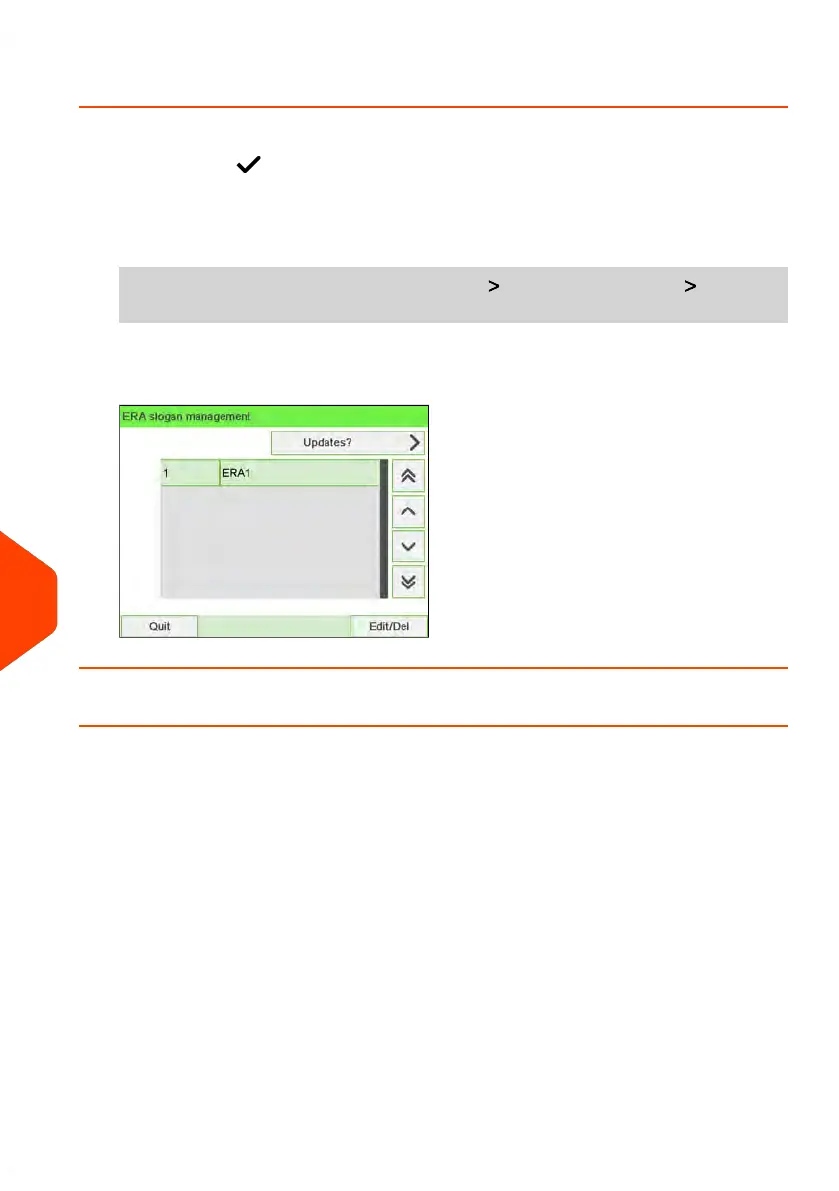
The list of ERAs includes the ERAs that are installed in the Mailing System and indicates
with a check mark the active ERA.
To display the list of ERAs:
1. As supervisor (see How to Log in as Supervisor on page 241):
From the main menu, select the menu path: Option and Updates Update
ERA Slogans
The list of ERAs is displayed.
How to Modify an ERA
To change the name of the ERA:
312
| Page 312 | Jun-22-2021 11:01 |
11
Options and Updates















 To Next Page